AXEM Technology
11 rue Auguste Perret, 94042 Créteil, FRANCE – info@axemtec.com – +33 (0)1 41 94 11 85 – www.axemtec.com
Siret : 45071140300045 - APE : 4652Z - RCS : CRETEIL 450711403 - N° TVA intracom : FR05450711403 - Capital : 500 000,00 €
23/46
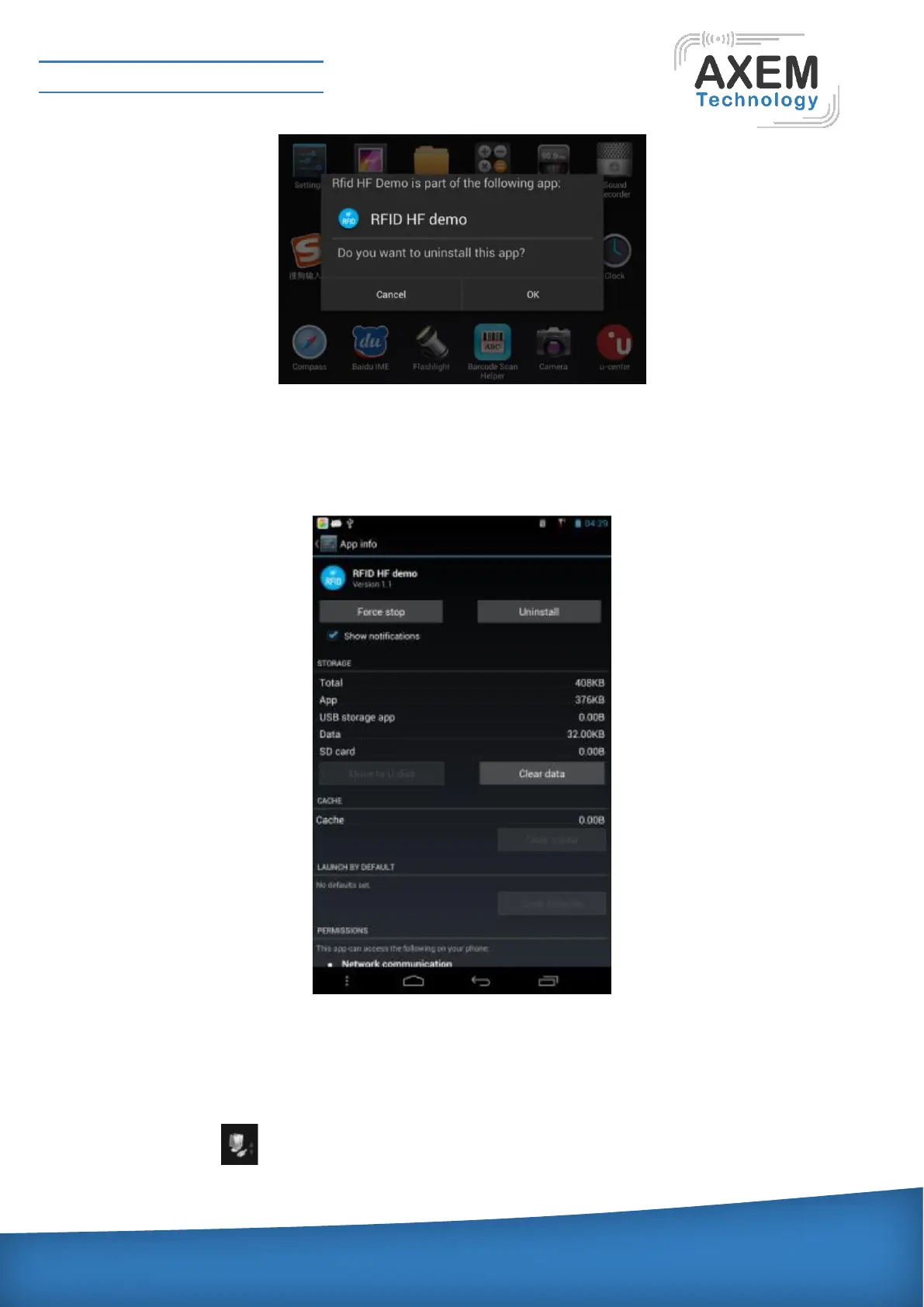
View program information
Enter the menu screen, select the icon for the program you want to view, keep pressing the icon,
icons vibrate, you can move, move to the desktop App info, the application will pop up the relevant
information. As shown below:
3.2.4 Open / Close Net Card (Connect OTG Cable)
Connect the USB-OTG cable to the USB interface of device, and open the net card, pull down the prompt
bar and click the LAN icon. (The icon is blue card means turned on,) the system pop-up card
properties window, as shown below:



 To Next Page