AXEM Technology
11 rue Auguste Perret, 94042 Créteil, FRANCE – info@axemtec.com – +33 (0)1 41 94 11 85 – www.axemtec.com
Siret : 45071140300045 - APE : 4652Z - RCS : CRETEIL 450711403 - N° TVA intracom : FR05450711403 - Capital : 500 000,00 €
44/46
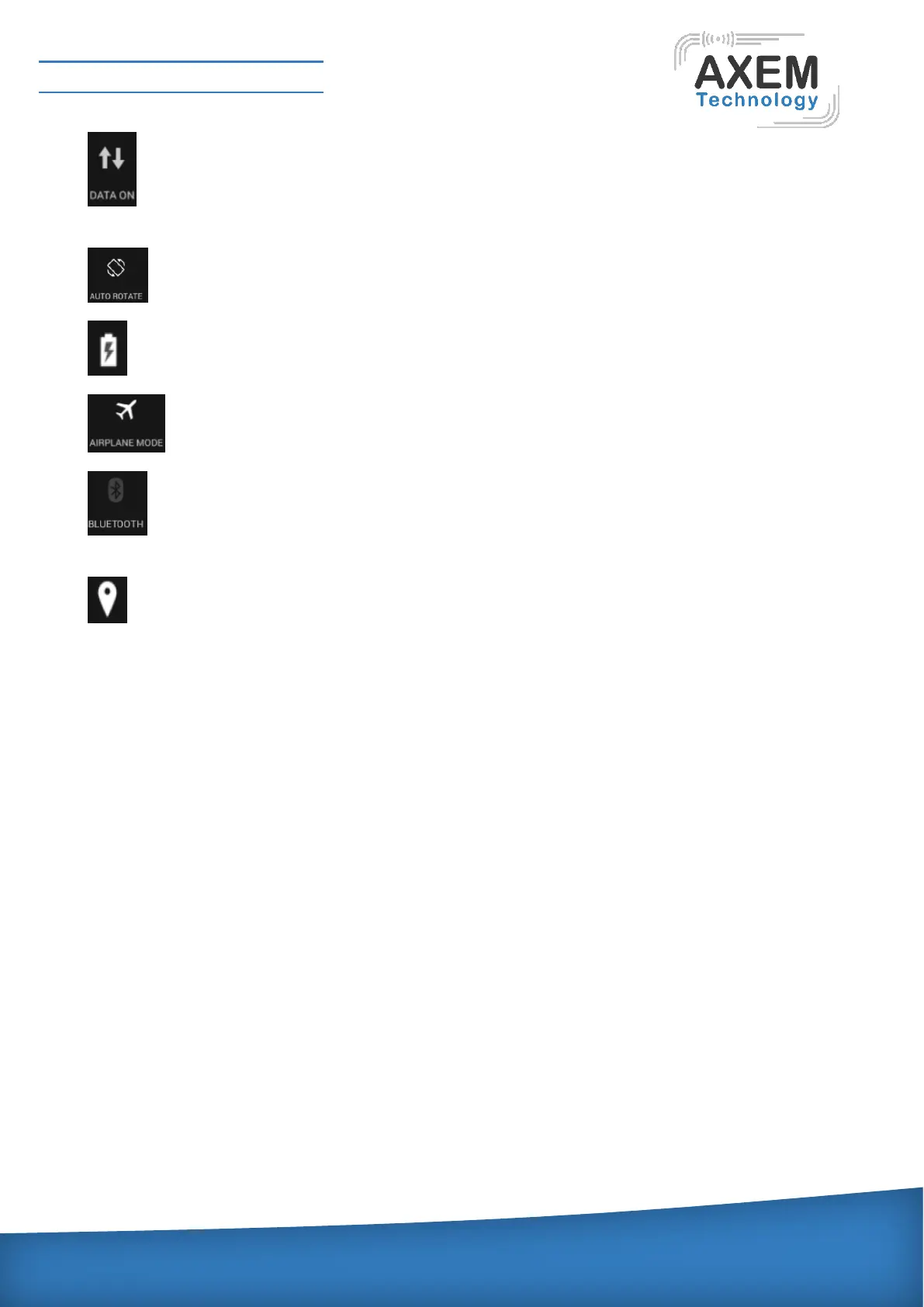
Data: switch for 3G/4Gwireless. SIM card is needed, flow and cost will be generated after
clicking, and please close the link when do not use.
Rotate Icon: open or close the auto Screen revolve mode.
Battery: show power information of the battery.
Airplane model: click this icon, can quickly change machine model to airplane model.
Bluetooth icon: the switch for Bluetooth, user should search and pair with it when searching
other Bluetooth user.
GPS icon: open location information switch, after opening has mode selection, such as high
accuracy, low power, only for device, accelerate position and so on.
4.7 Web
Click web to enter into the browser interface for all functions. Enter into the website or IP address in
the address bar to login the webpage.
Internet setting menu will pop up when clicking the menu key at the top-right corner.
Includes stop, forward, bookmarks, save to bookmarks, share page, find on page and so on.
Click "Save to bookmark" to store the current page into the bookmark, and then user can open the
webpage quickly.
Click "Settings", the setting interface will pop up which includes General, Privacy&Security,
Accessibility, Advanced and so on.
User can set the homepage of the browser in "General", the tester will connect with it automatically
when login.



 To Next Page