26/46
3.2.8 Camera
Click under the main menu and enter into the Camera function, click the Camera, it can be auto-
focus, switch the mode from video to panoramic at the right bottom of the screen. At the left bottom of the
screen, you can view photographs or video that have been taken; In the screen above has choice of
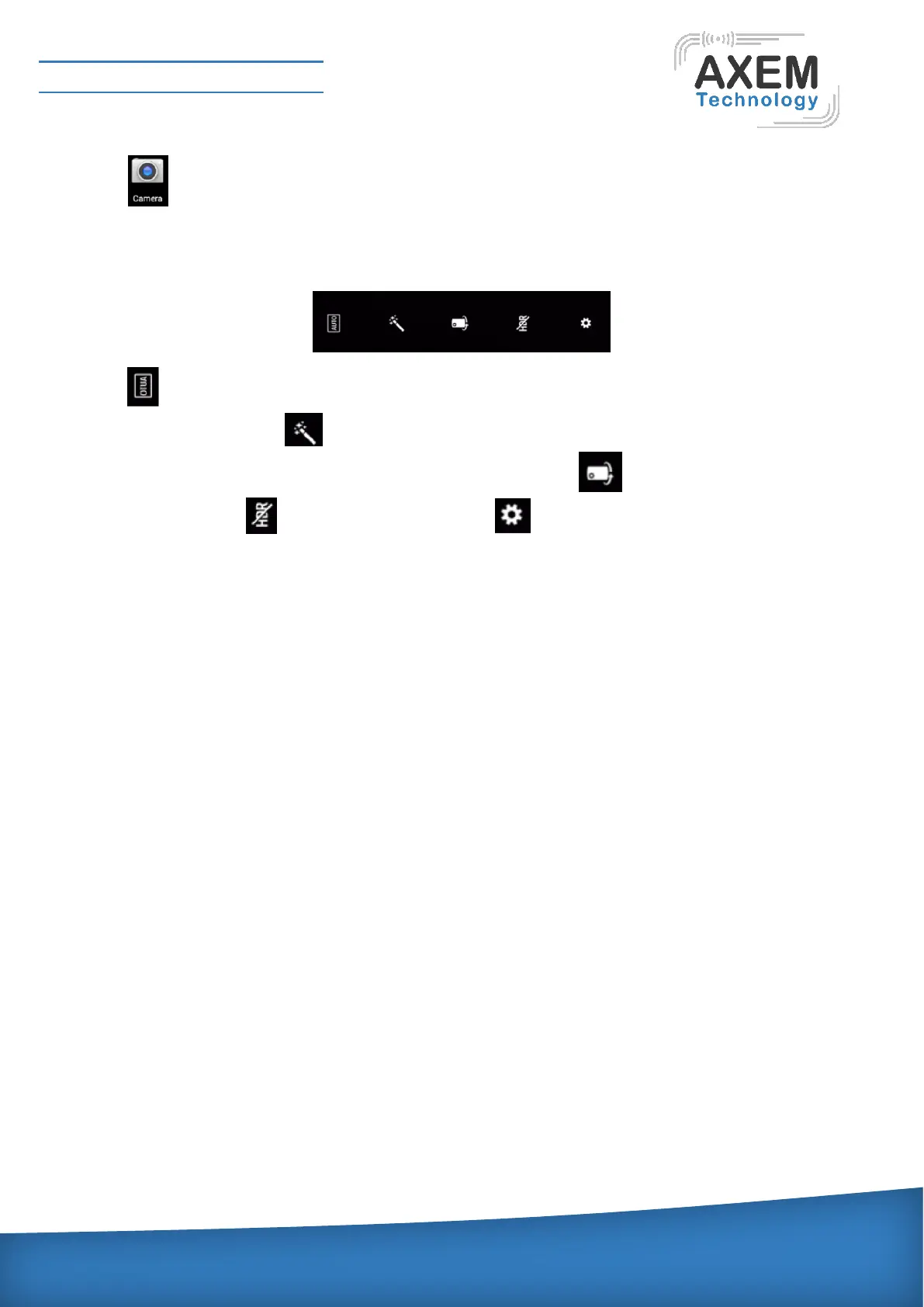
functions, as shown below:
Click and choose background such as self-motion, portrait, scenery, sports, flowers and so on; If
choose automatically, click and choose background such as black and white, old photos, invert,
filter and so on, if choose others, the function is to be blocked; Click , rear camera will be changed
to front camera; Click , change to HDR image; Click , can change store locations, size of
photo, quality of image and so on.
3.2.9 Breathing Indicator
When device in the boot and standby state, breathing light gap flashes to indicate that the device is
in working condition In calls or missed calls, received messages have different breathing light
blinking to alert customers, and the meaning of 2 indicator as following;
Indicator light 1: Equipment light, indicating the equipment state, which have 3 glittering state.
1) Normal state: 0.5s on, 4.5s offAT-07 Industrial Tablet PC
2) Incoming call state: 0.5s on, 0.5s off
3) Receive the message or missed call: 0.5s on, 1.5soff
Indicator light 2: Unused
3.2.10 Headset
Device supports headset, listening to music, the device's headphones as an ordinary hole, the device is
equipped with a headset plugged into the headphone jack, that is to meet the needs of calls and listening
to music, the headset supports off-hook and on-hook operation. (Dedicated headphone headset, other
headphones may not be used)



 To Next Page