AXEM Technology
11 rue Auguste Perret, 94042 Créteil, FRANCE – info@axemtec.com – +33 (0)1 41 94 11 85 – www.axemtec.com
Siret : 45071140300045 - APE : 4652Z - RCS : CRETEIL 450711403 - N° TVA intracom : FR05450711403 - Capital : 500 000,00 €
43/46
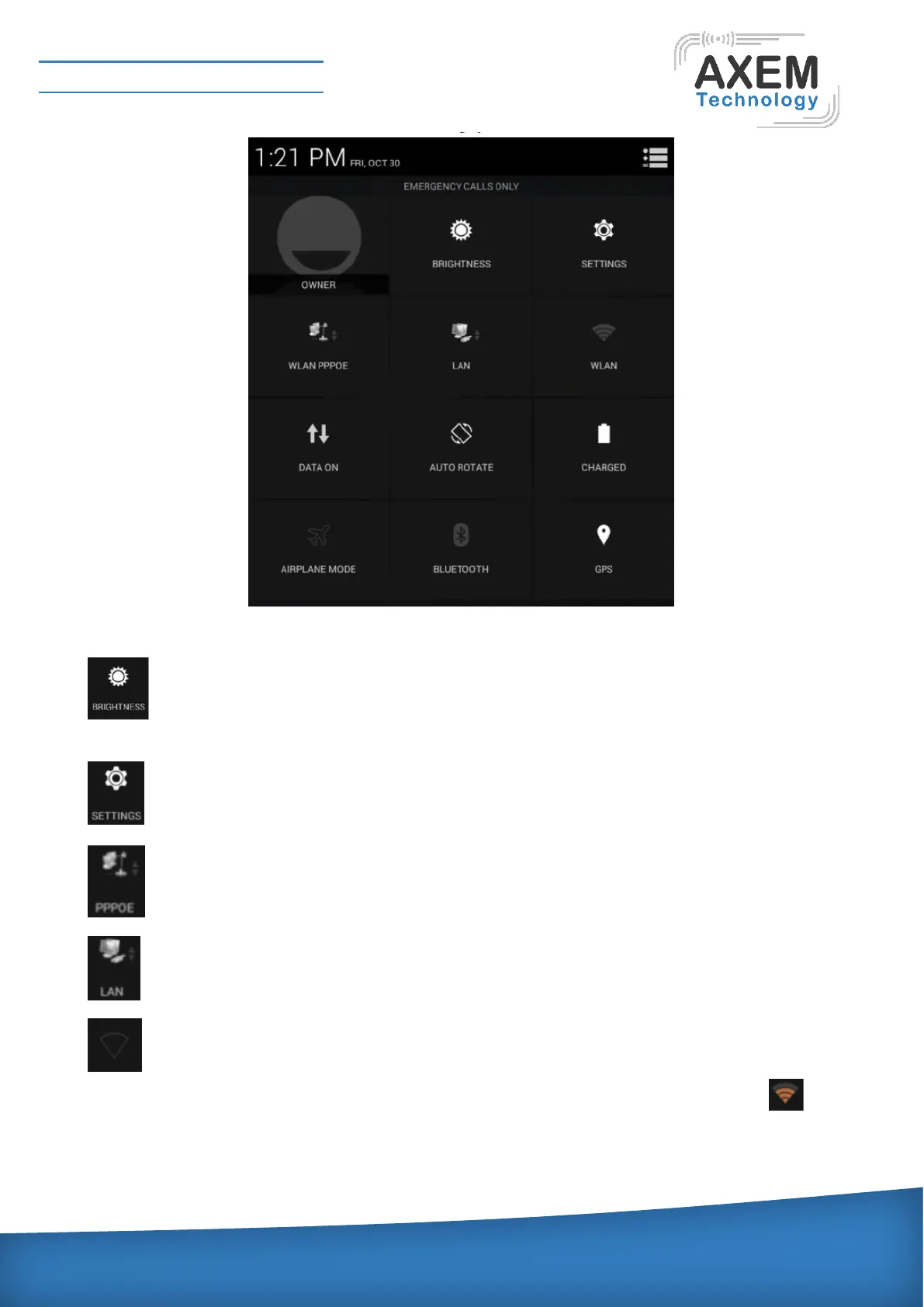
Description of the control item is as follows:
Brightness: for screen brightness to adjust shortcut icon, click and adjust quickly brightness
of the screen.
Settings: shortcut icon of setting open, click it can open the setting quickly.
PPPoE: open PPPoE dial window.
LAN icon: open setting window of of the network card.
WLAN icon: the switch for WIFI, if use a router for the first time, user need to enter into
setting, searching WIFI router at first, and enter the password to connect with the router. icon
will be shown in the prompt bar after connection.


 To Next Page
 Loading...