AXEM Technology
11 rue Auguste Perret, 94042 Créteil, FRANCE – info@axemtec.com – +33 (0)1 41 94 11 85 – www.axemtec.com
Siret : 45071140300045 - APE : 4652Z - RCS : CRETEIL 450711403 - N° TVA intracom : FR05450711403 - Capital : 500 000,00 €
34/46
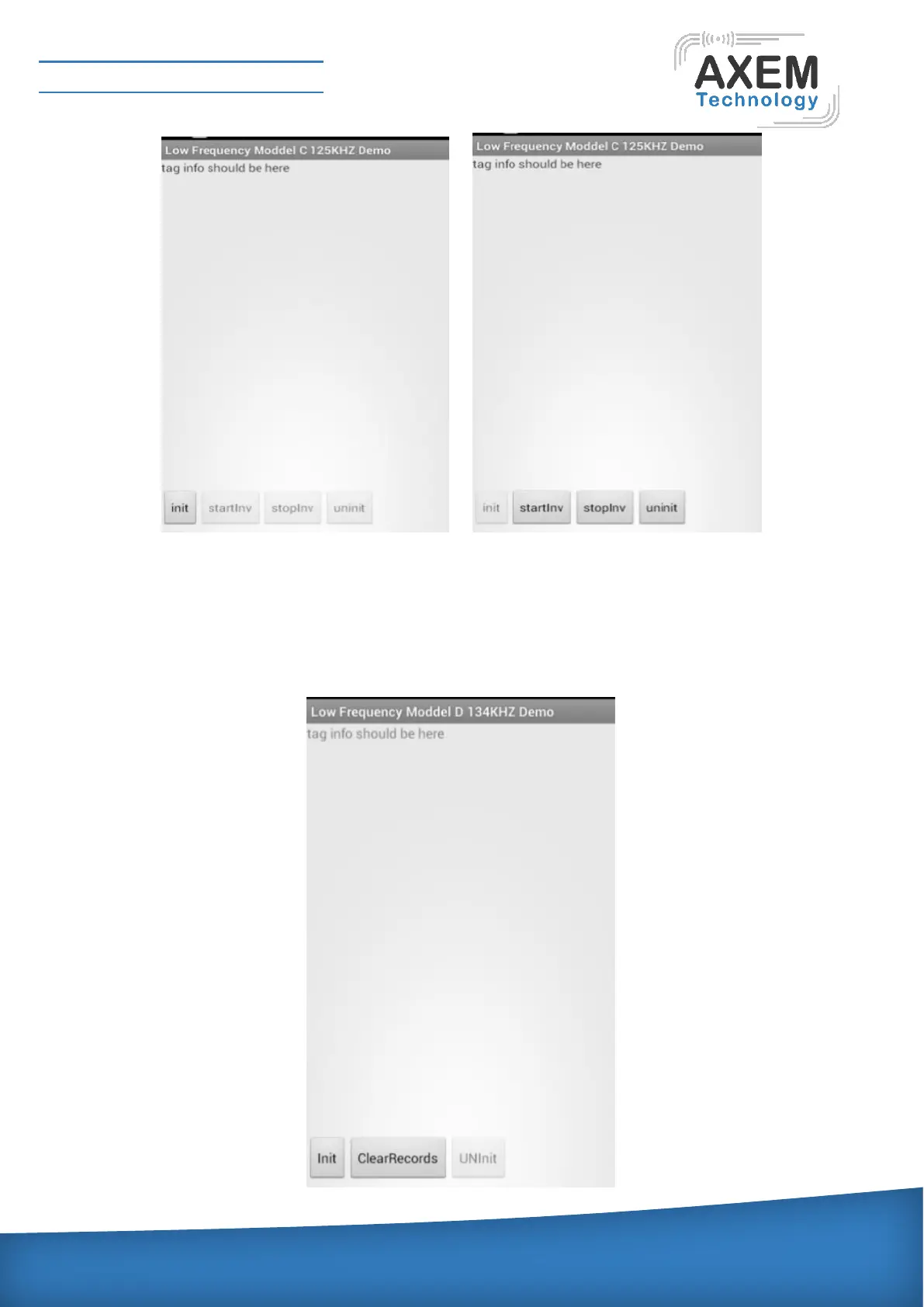
LF 134K(FDX/HDX) detection: put 134K(FDX) label horizontally on the table, click low frequency test
program of the main menu, enter into low frequency detection interface, choose used module type,
click “ModelD HDX FDX”, enter into “Low Frequency Model D 134KHZ Demo”interface, as shown
below, then click ”init”, initialize module, can continuously read label, after correct identification label,
can show data information of the label. Change label to 134K label, can continuously read this label
and show data information of this label.



 To Next Page