EN - 12
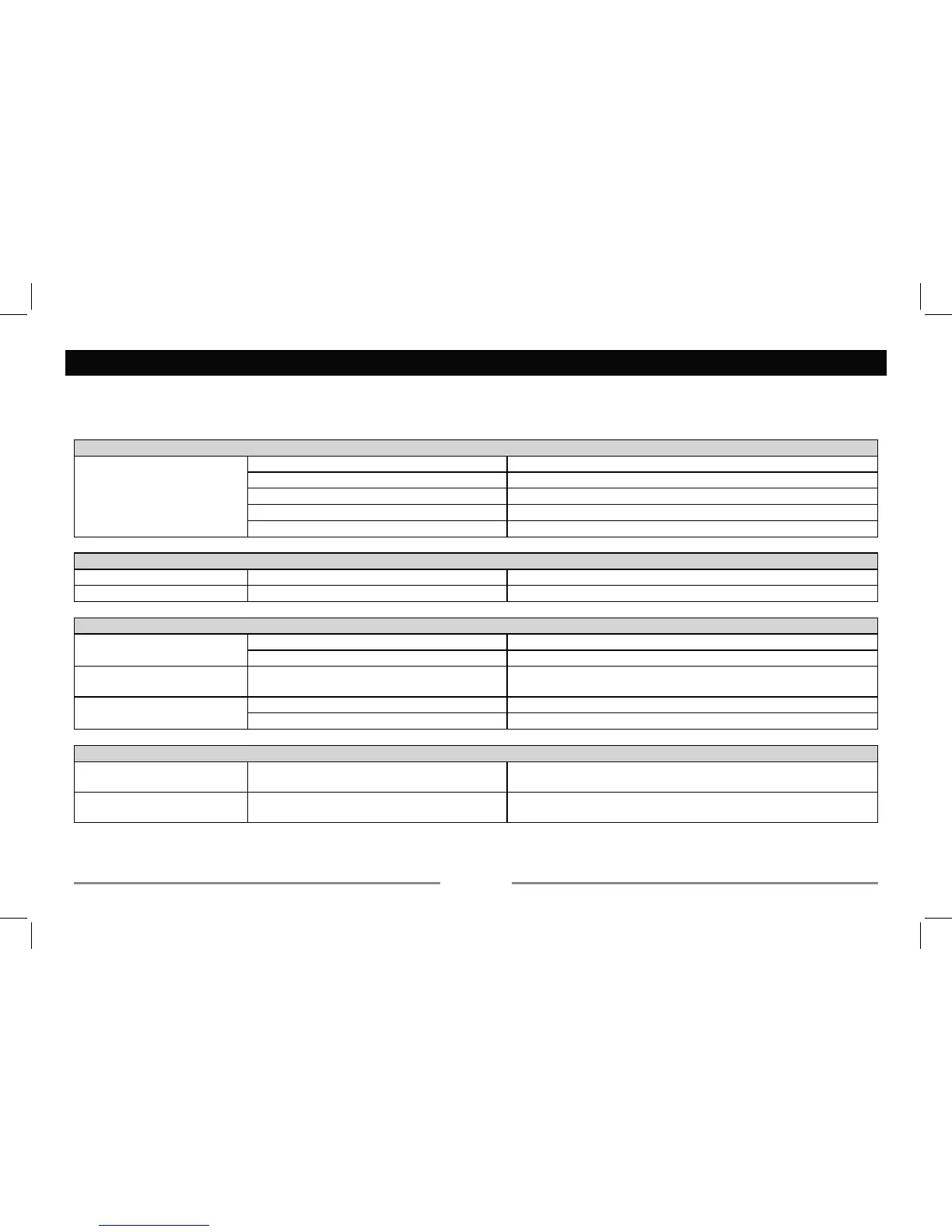
Troubleshooting
If you suspect something is wrong, immediately switch RIIpower. Do not use the unit XQGHU abnormal conditionV, eJ without sound, or with smoke
General
9HKLFOHLJQLWLRQLVRII.
Cable is not correctly connected. Check connection.
Fuse is burnt. Replace fuse.
Check volume or mute on / off.
If the above solutions cannot help.
Radio
Much noise in broadcast. Station is too far, or signals are too weak. Select other stations of higher signal level.
Preset station lost. Battery cable is not correctly connected. Connect the battery cable to the terminal that is always live.
Disc
Disc is inside but no sound.
Disc is upside down. Place disc in the correct direction, ZLWK the label side up.
Disc is dirty or damaged. Clean disc or change WRanother disc.
Disc sound skips, tone quality
is low.
Disc is dirty or damaged. Clean CD or change CD.
Sound skips due to vibration.
Unstable mounting. Mount the unit securely with DFFHVsRULHVVXSSOLHG.
USB/SD/MMC mode
Unable to insert USB device or
SD/MMC card.
The memory card or USB device has been
inserted the wrong way round.
Insert it the other way around.
The USB device or SD/MMC
card cannot be read.
)R
different formats, some models of devices may not be read.


 To Next Page