EasyManua.ls Logo

Axis Car Audio AX 1104DAB+ - Other Instructions and Remote Control; Panel Operation and Eject; Remote Control Operating Range

Axis Car Audio AX 1104DAB+
15 pages
Print Icon
To Next Page IconTo Next Page
To Previous Page IconTo Previous Page
Loading...
EN - 3
Remote Control
Remote control operating range
Point the remote control unit to the remote sensor
The remote control can operate within a distance of

Other Instructions
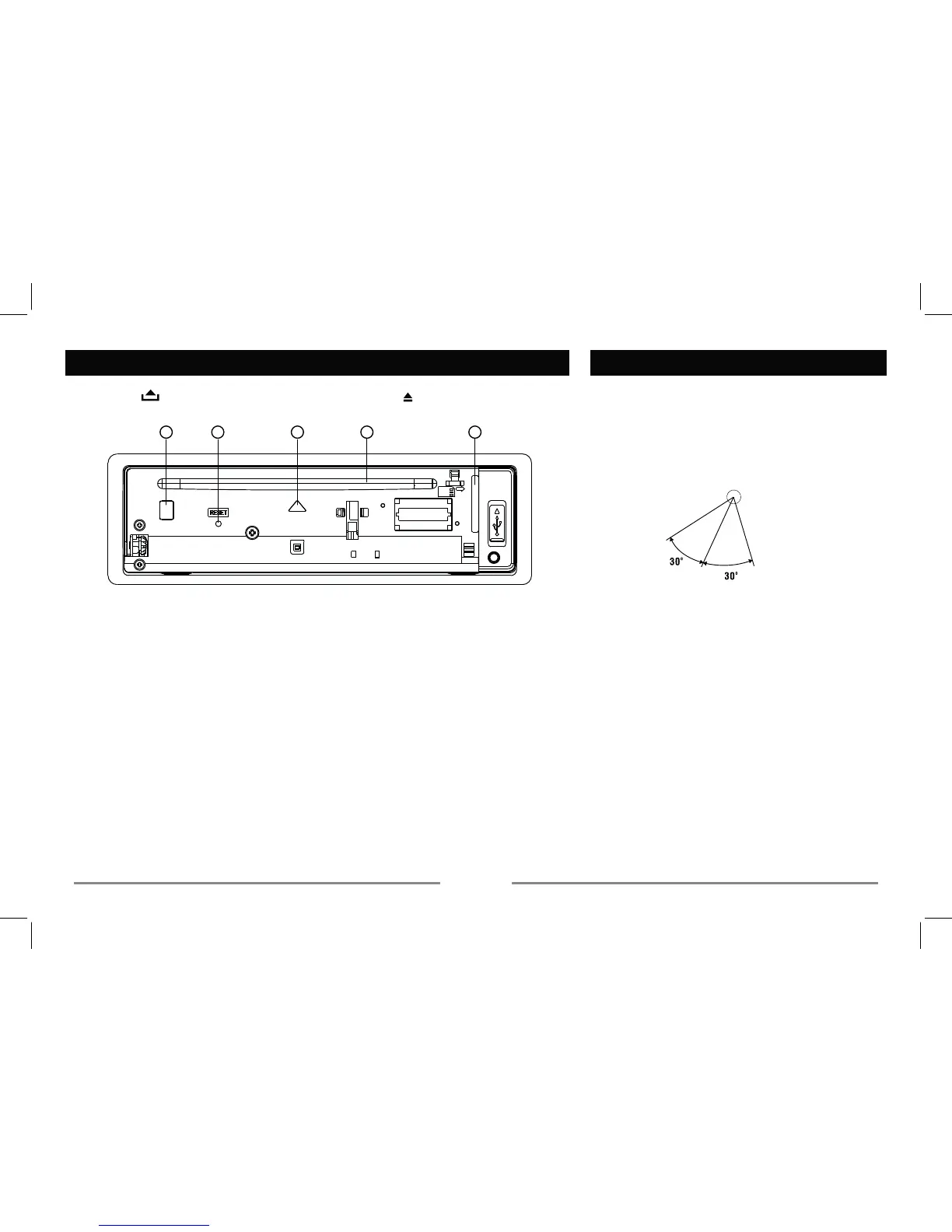
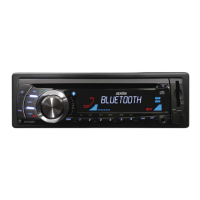
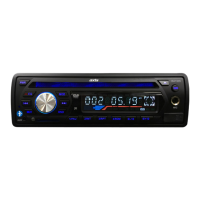
Press the button to open the panel and press to eject the disc.
 
 

stored stations.
3. - Panel status indicator
,OOXPLQDWHVLVRSHQ
%OLQNV when the panelLVUHPRYHG.
4.
- Disc slot, insert the disc.
5. - SD/MMC card slot
Remote Sensor
1
3
4
2
5

Related product manuals