EN - 4
Replacing the lithium battery of
remote control unit.
Whenthe RSHUDWLQJrange of theUHPRWHFRQWURO
GRHVQRWIXQFWLRQUHSODFHWKHEDWWHU\ZLWKDQHZ
OLWKLXPEDWWHU\0DNHVXUHWKHEDWWHU\3RODULW\
UHSODFHPHQWLVFRUUHFW
the stopper.
stamped(+) mark facing upward.
Insert the battery holder into the remote
control.
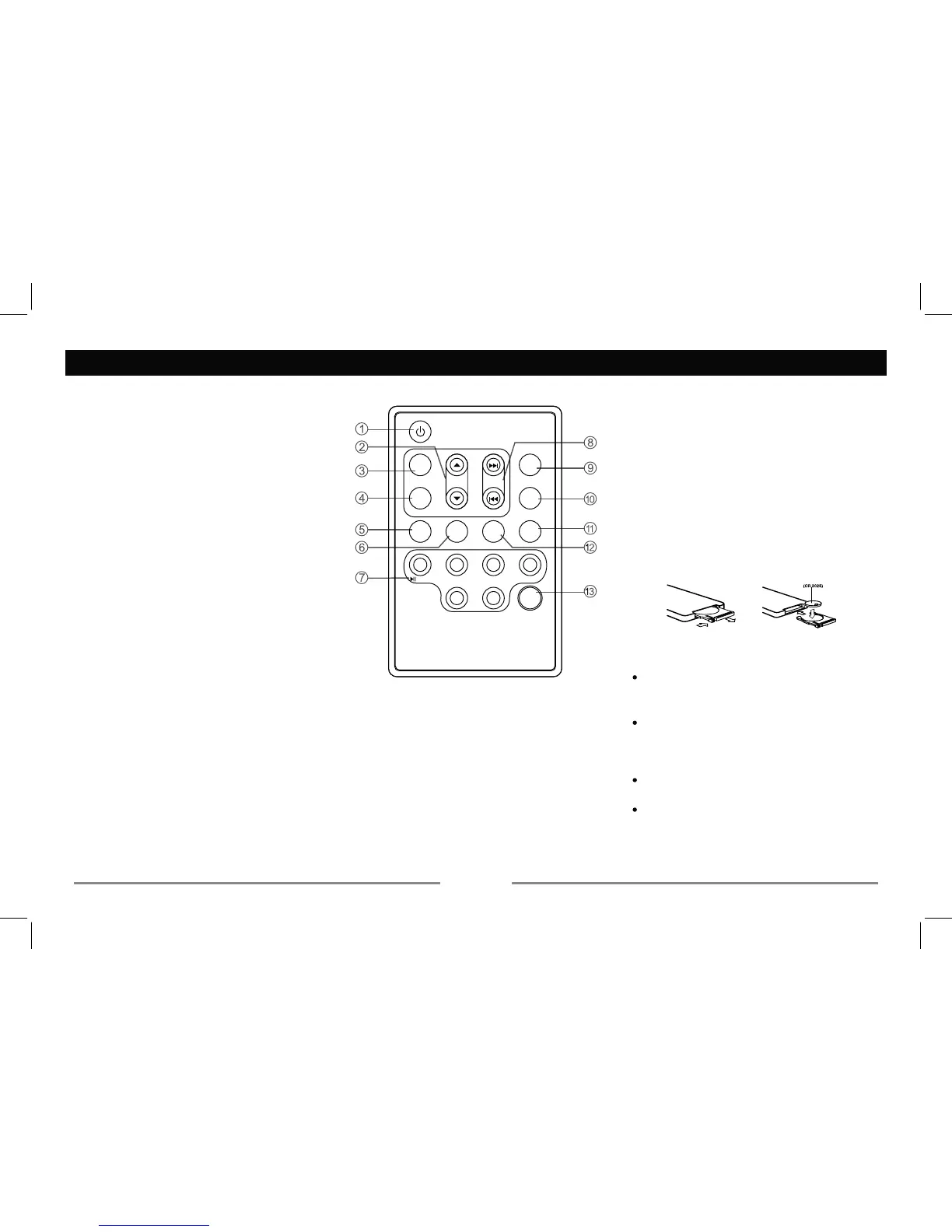
3. - Mute
IRU
function.
5. - Loudness
6. - FM stereo/mono
7. - CD playback
function.
WRVWDUW
playback from the beginningRIWKH
3+ROG
3UHVV+ROG
Press to listen to a preset station,
- To fast search within a track/skip to next
or previous track
Remote Control
(CR 2025)
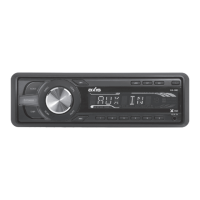
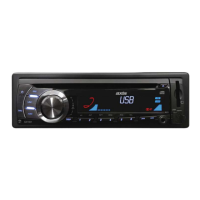
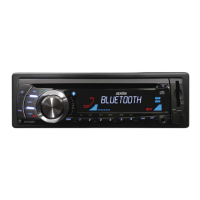
Power On : Press any button on the remote control to turn on the unit.
9. Radio
- Disc play (when disc inserted)
- Card (when SD/MMC inserted)
- USB-drive (when USB inserted)
Radio preset scan/Radio auto preset
— — — — — — — — — — — — — — — — — — — —
WARNING:
Store the battery DZD\IURP childrenVUHDFK
If a child accidentallyVZDOORZVDEDWWHU\
LPPHGLDWHO\VHHNPHGLFDOKHOS
Do not recharge, short, disassemble or
heat the battery or dispose it in a fire.
Doing this may cause the battery to give
Do not VWRUH the battery with other metallic
materials
When throwing away or saving the battery,
wrap it in tape and insulate.
SEARCH
MUTE
SEL
MENU
RDMRPT
INT
/
TO P
DISP
4
3
21
65
VOL
BAND
SRC
AMS
LOUD
ST/MO
LO/DX


 To Next Page