EasyManua.ls Logo

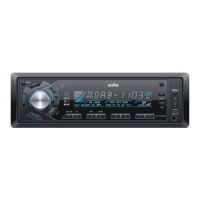
Axis Car Audio AX 1104DAB+ - Panel Controls Overview; Power, Volume, and Sound Adjustment; Source and Band Selection; Media and Radio Operation Controls

Axis Car Audio AX 1104DAB+
15 pages
Print Icon
To Next Page IconTo Next Page
To Previous Page IconTo Previous Page
Loading...
EN - 2
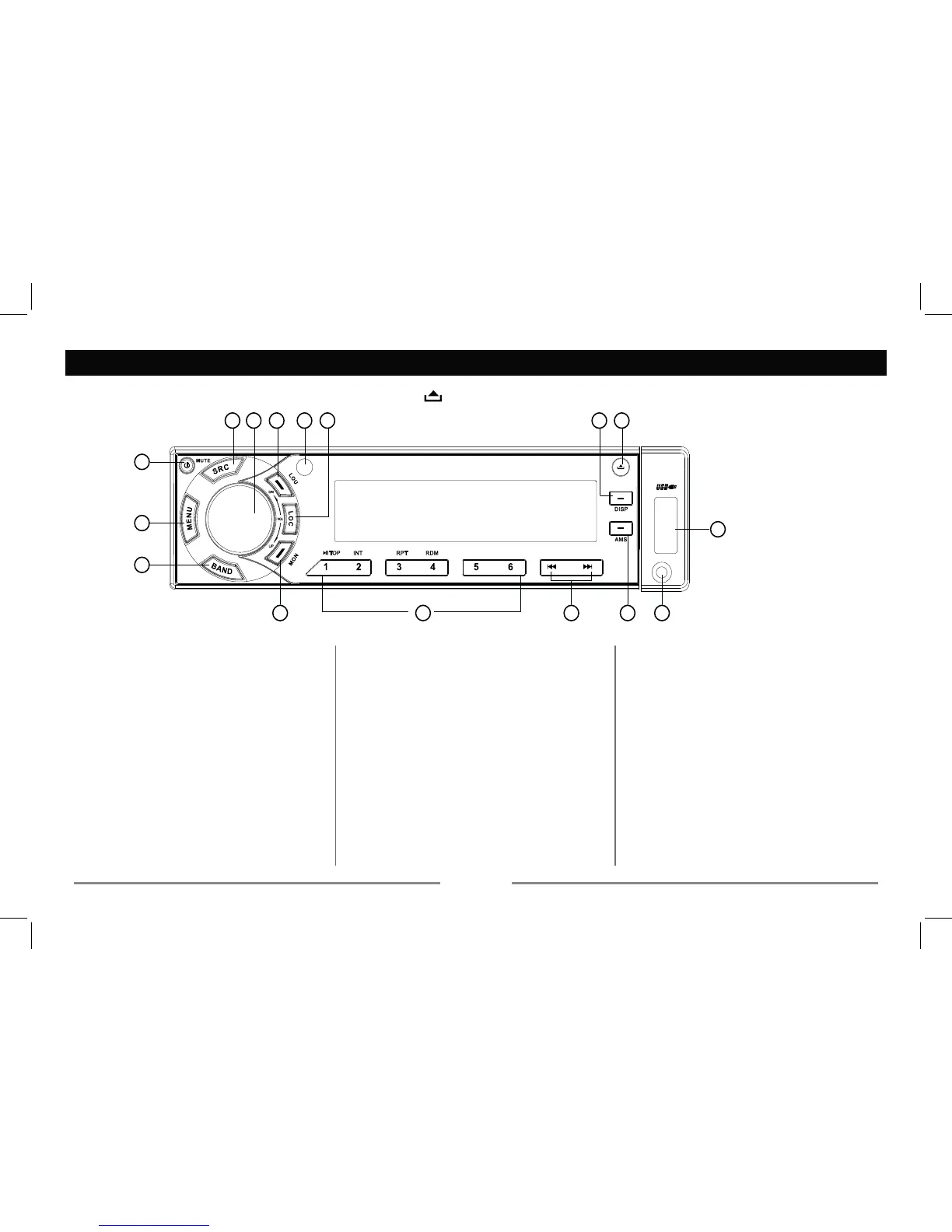
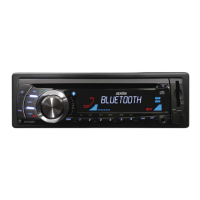
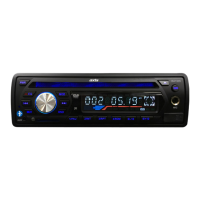
Panel Controls
Power on : Press any button on the panel except to turn on the unit.
 
- Mute

 

IRU
3. %DQGVZLWFK
)0!)0!)0!$0!$0
%$1'!%$1'!%$1'
4. - FM stereo/mono
5. - Track playback

- 3UHVVDQG+ROG to startSOD\EDFN
 from the beginning ofWKHILUVW





3UHVV+ROGIRU

3UHVV+ROGIRU
- Radio preset


6. - Radio tune
- Track skip/seek
7. $065DGLRSUHVHWVFDQ
5DGLRDXWRSUHVHW
6($5&+
03WUDFNILOHFKDUDFWHUVHDUFK
 
9. - USB connector
Panel release







- Disc play (when disc inserted)
- USB (when USB inserted)
- Card (when SD/MMC inserted)

1
2
9
3
4 6 7 8
1013 121416 15 11
5

Related product manuals