14
AXIS 214 PTZ - Accessing the camera
Still Image
Displays still images only. Hit your browser’s Refresh button to view a new image.
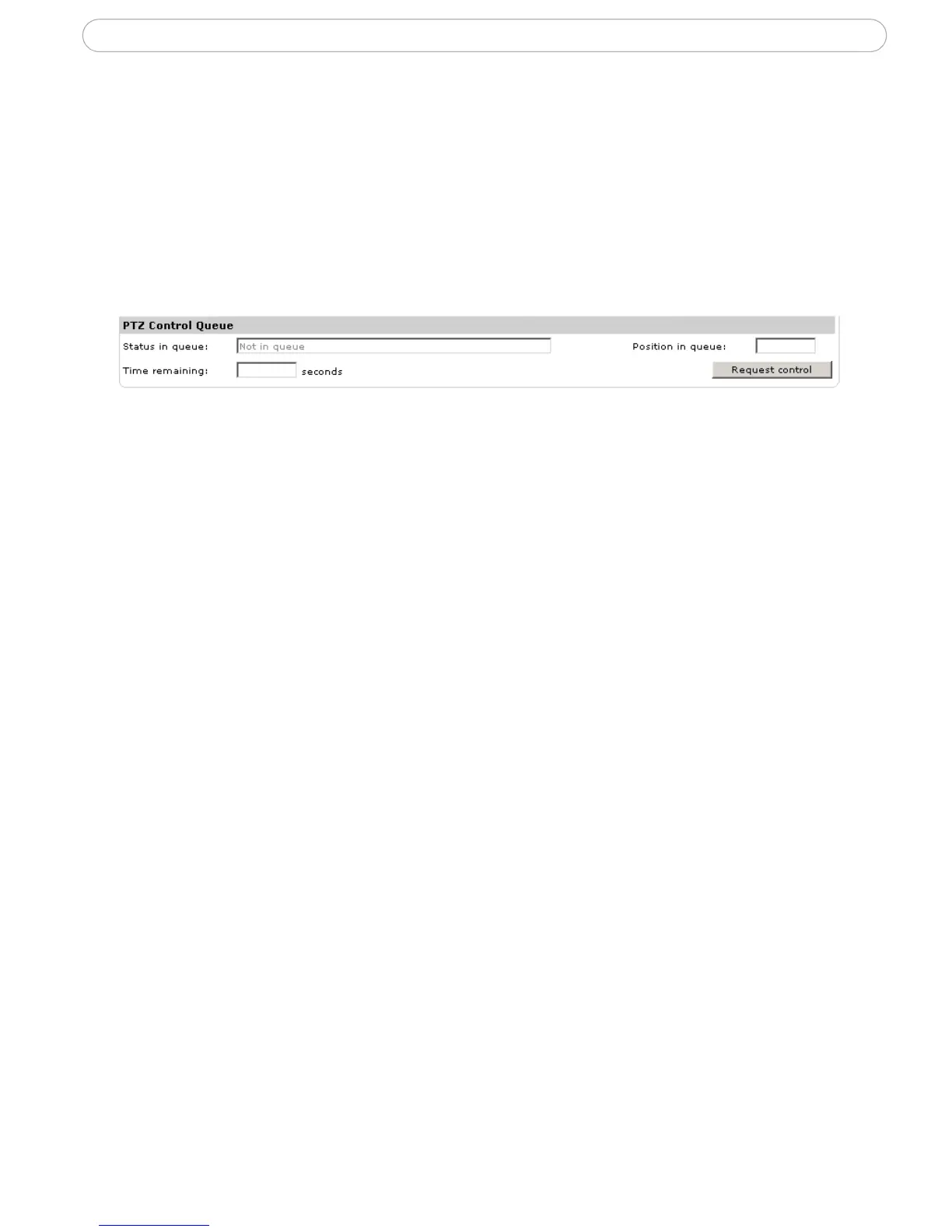
PTZ Control Queue
Only one user can use the Pan/Tilt/Zoom controls at any one time. When multiple users
are accessing the AXIS 214 PTZ’s Live View page, they must be placed in a queue and
assigned a set period of time during which they have the use of the PTZ controls. Use the
buttons to request or release control of the PTZ controls.
The PTZ Control Queue is set up by the administrator under PTZ Configuration > Control
Queue.



 To Next Page