21
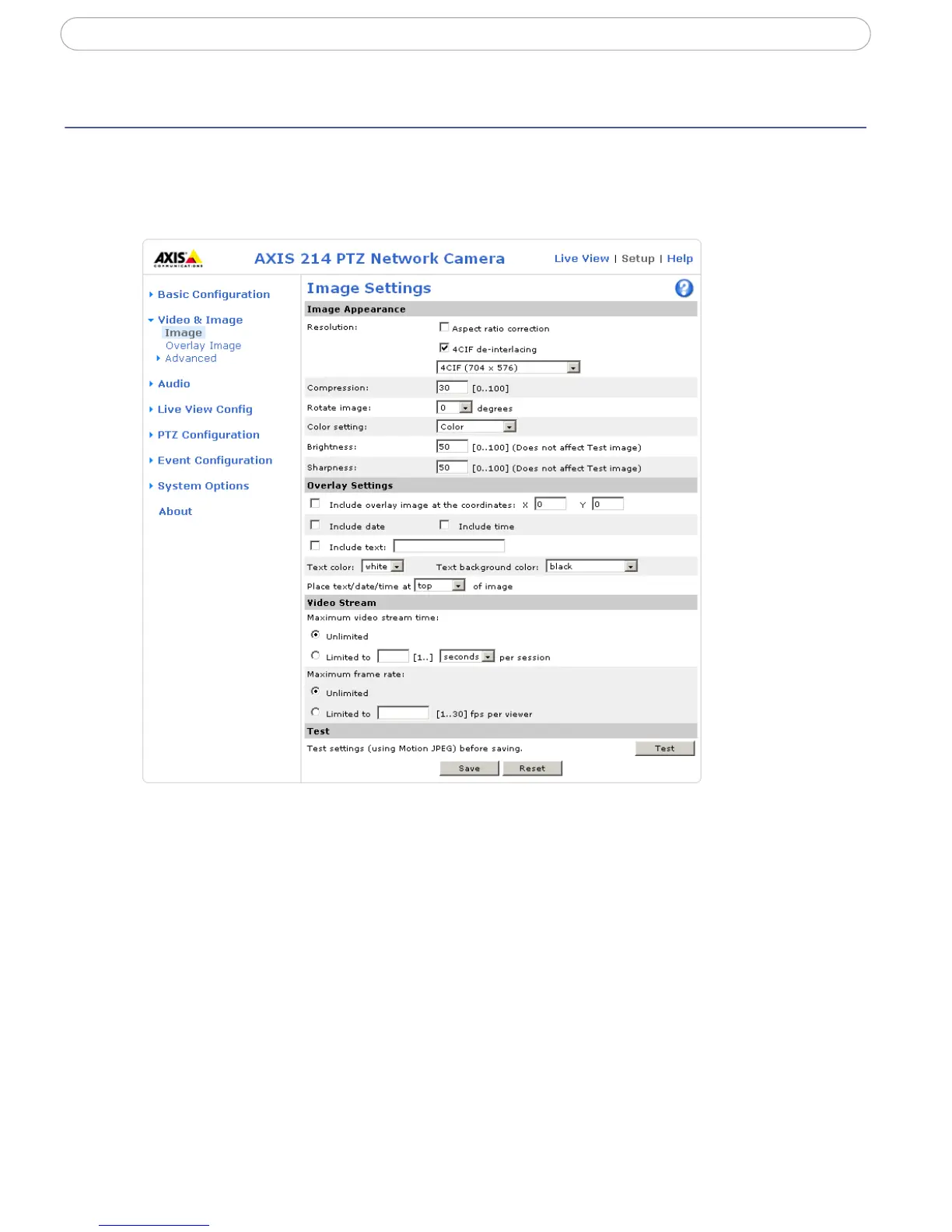
AXIS 214 PTZ - Video & Image settings
Video & Image settings
Image Appearance
Adjust these settings to optimize the video images according to your requirements.
All configuration of images and overlays will affect the performance of the camera,
depending on usage and the available bandwidth.
• High resolution generates larger files
• Lower compression improves image quality, but generates larger files
• Black & White uses less bandwidth than Color
• Rotating the image 90 or 270 degrees will lower the maximum frame rate



 To Next Page