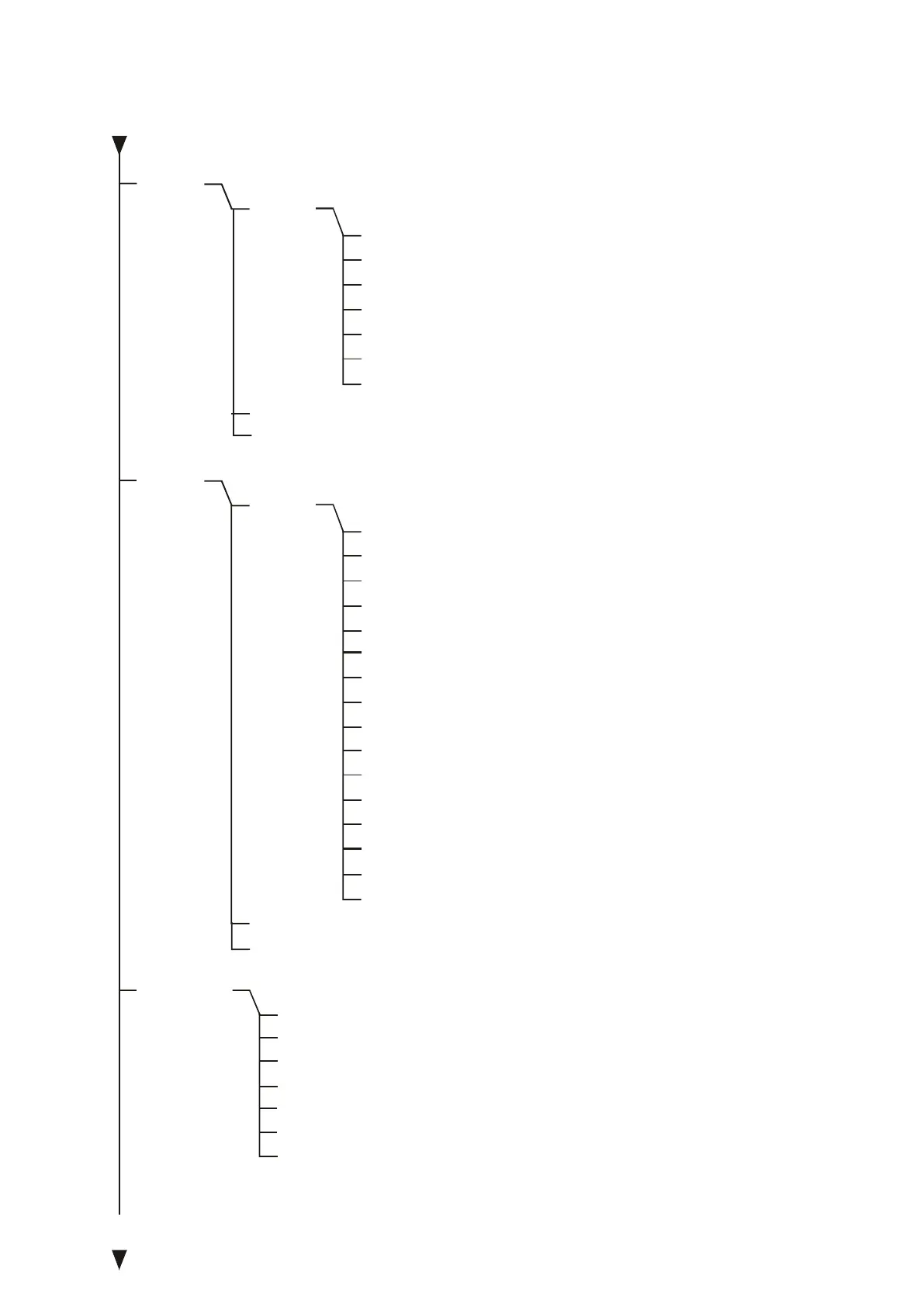
SErIAL
PrInt
dAtE
- setting time and date (if the scale is equipped with clock)
- date and time off
-
- set date and time
- accoes code
- data format
- time format
- exit
date and time on
- serial ports settings settings
- port - 1
- transmission speed (1200, ... ,115 200 bps)
- bits quantity (7 or 8)
- parity control
- transmission type (Stab, no StAb, Auto,Cont.,rEMoVE)
- protocol (LonG, EPL, EPL_A, EPL-d, PEn-01)
- barcode reader MJ4209 cooperation
- exit
- port-2 (as above)
- printout data configuration / transmission
- port - 1
- header (scale type, Max, d, e, serial nr)
- scale operator id number
- data
- time
- succesive printout/measurement number
- product identification number
- product barcode number
- product name
- pieces quantity (PCS function)
- product unit weight
- net weight
- package weight (tare)
- gross weight
- total weight (totAL function)
- measurement number and value in one line printout
- exit
- port-2 (as above)
- exit
bAUd
bItS
PArItY
SEndInG
Prot
SCAnn
out
HEAdEr
User Id
dAtE
tIME
Prn no
Prod Id
Prod bA
Prod nA
Cont
APW
nEt
P tArE
Gross
totAL
nr LCD
out
Port-1
Port-2
out
dAt oFF
dAt on
dAt SEt
dAt PIn
dat For
tM For
out
Port-1
Port-2
out



 To Next Page