USER MANUAL 39
_________________________________________________________________________________________________________________
18.1 Product and user identification (Prod and USEr)
The balance enables to inscribe product barcode and user identification number:
- Prod bA – product barcode,
- USEr Id – user identification number.
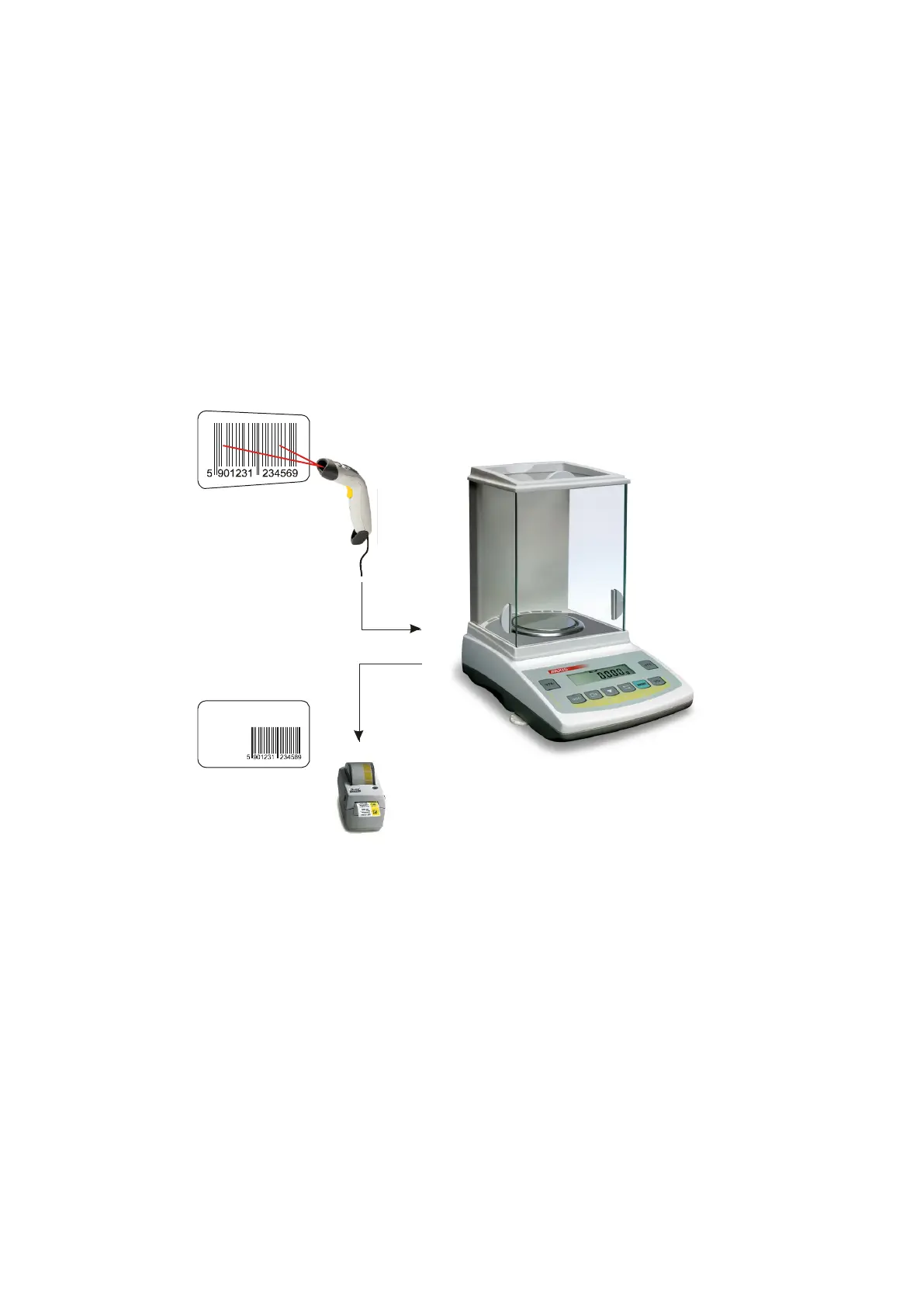
Balance product barcode and user readout together with external devices (e.g. printer, label printer and
computer) enables to build simple identification and archivisation systems.
Inscribing multi-digit data without using e.g. computer keyboard is inconvenient and using barcode reader
is beneficial.
After selecting product and user it is possible to send (to computer or printer) actual scale indication with
additional data, selected by PrInt option (SetuP):
- HEAdEr – header: name, model and scale number,
- USEr Id – scale user identification number,
- USEr nA – user name,
- Prn no – successive printout number (choose this option to zero counter),
- Prod Id – product number,
- Prod bA – product barcode (inscribed or scanned),
- Prod nA – product name,
- Count – counting result (PCS function),
- APW – unitary mass (PCS function),
- nEt – net mass
- tArE – current tare value,
- GroSS – gross mass,
- totAL – total mass (totAL function)
- nr – LCD – printout number and indication in one line
Producent
Masa netto:
xxxxxxx
Data:
xx-xx-xxxx
Produkt:



 To Next Page