EN - 3
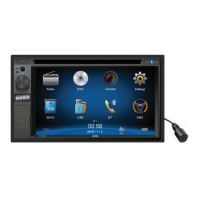
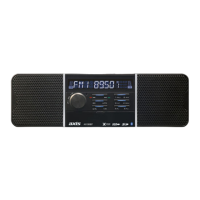
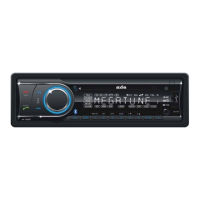
Panel Controls
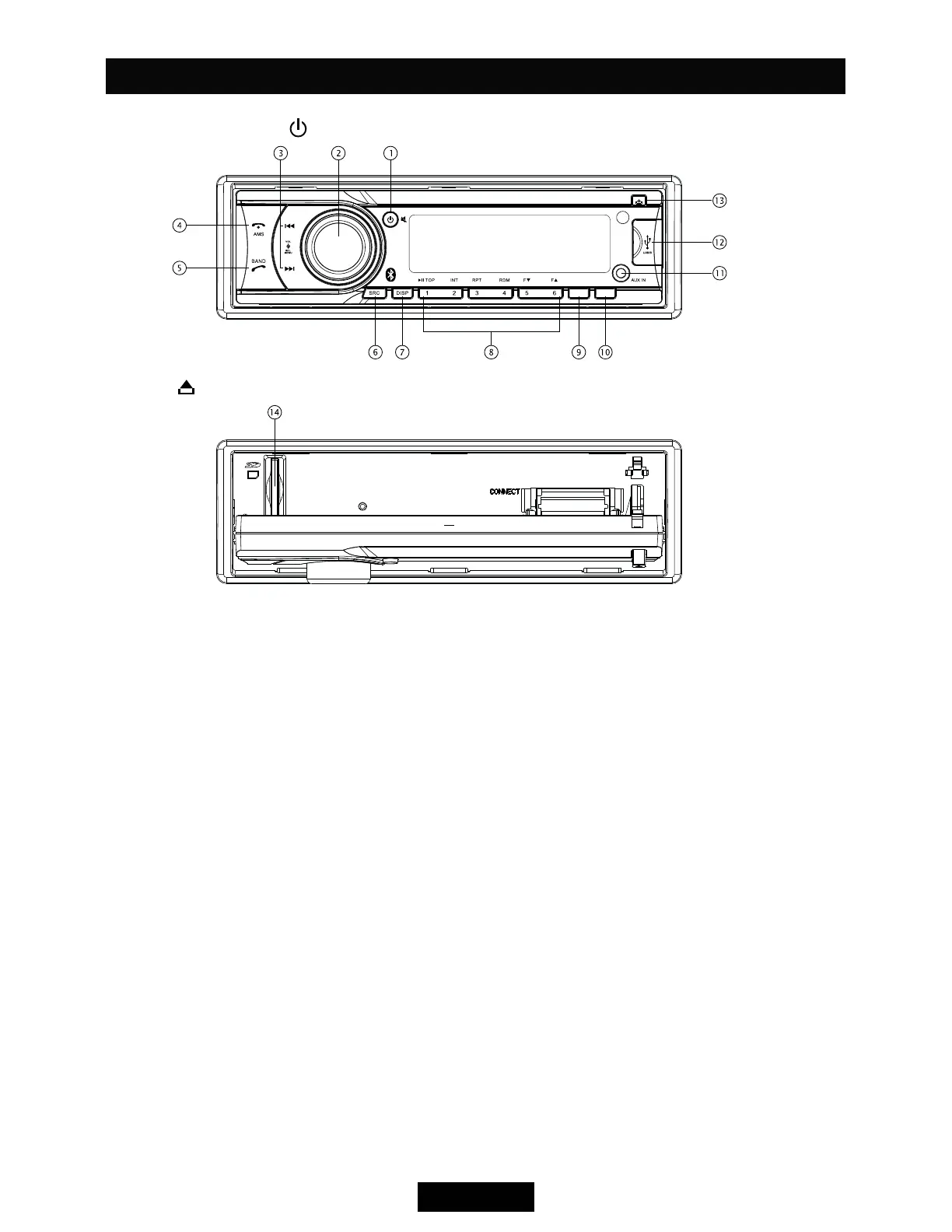
Power ON: Press to turn on the unit.
Press
1. - Power on
- Mute
- Power off (press")
2. - Rotate the knob to adjust volume level.
- Press to select audio setting, and rotate
the knob to adjust level.
- Press more than 2 seconds to access
menu.
3. - Search the previous/next station manually,
and each press to seek step by step (press
- Search the previous/next station
automatically (press more than 2 seconds,
in Radio mode).
- Press to search the previous/next track or
- Fast backward/forward (press more than 2
4. - Band switch (in Radio mode)
- Terminate call (in BT mode)
- Auto preset (press more than 2 seconds,
in Radio mode)
- Make a call (in BT mode)
6. - Press to select playing mode:
devices can be connected with the unit.)
7. - Display switch
- Set time (ress")
8. - MP3/WMA playback
Button 1: - Play/Pause
- Top play (")
Button 2: - Intro play (10 sec)
Button 3: - Track repeat play
Button 4: - Track random play
Button 5: - MP3 folder down
- MP3 track -10 down (")
Button 6: - MP3 folder up
- MP3 track +10 up (")
- Radio preset
Press to listen to a preset station.
Press and hold to store station.
9. - FM Stero/Mono (in Radio mode)
- Loudness (", in Radio mode)
10. - Radio local/distant (in Radio mode)
11. - Aux-in jack
12. - USB port
13. - Panel open
14. - SD card slot
ST/LOU LOC


 To Next Page