3. Movie
4. eBook
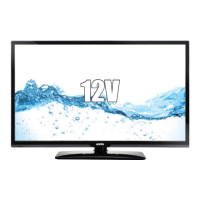
Turn to previous/next page of the text.
RED button: Add or delete the bookmark.
GREEN button: Goto appointHG page.
YELLOW button: Display the bookmark list.
BLUE button: Display the playlist.
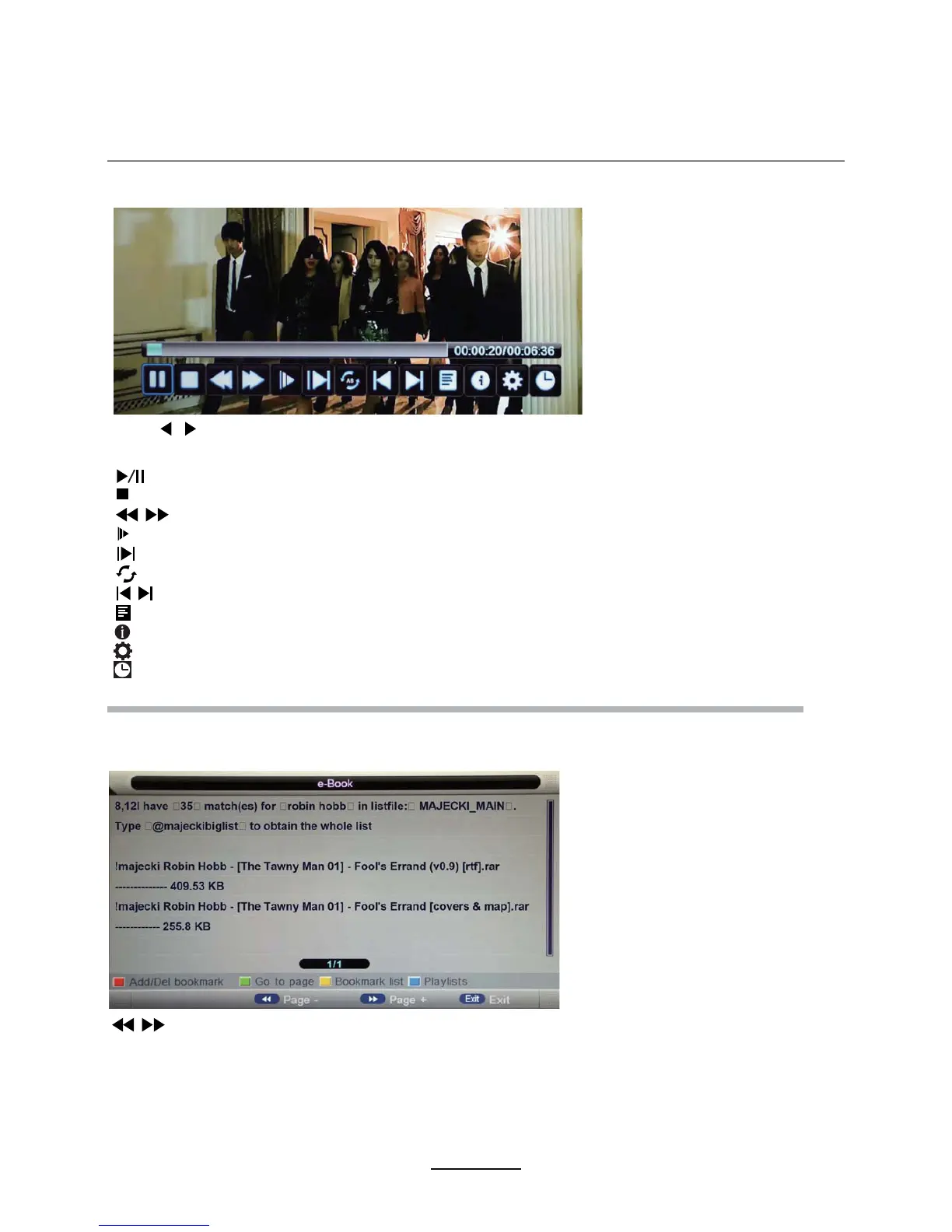
Play the movie
Play the text
Multimedia Operation
Play fast back or forwDrd.
Play the movie in slow mode.
Play the movie in step mode.
Set the A-B repeat playing mode.
AB
Play the previous or next file directly.
Display the play list.
Display the information of the current file.
Display the movie setup menu 6etup the Program, Subtitle, Audio, Repeat mode.
Goto mode Input the time and start playing directly.
Play/Pause the movie.
Stop and exit the full screen program.
Press / button to select the option on the table, and press OK button to change.
Note:
3ress OK button to display the option table when it disappears.


 To Next Page