24
EPG
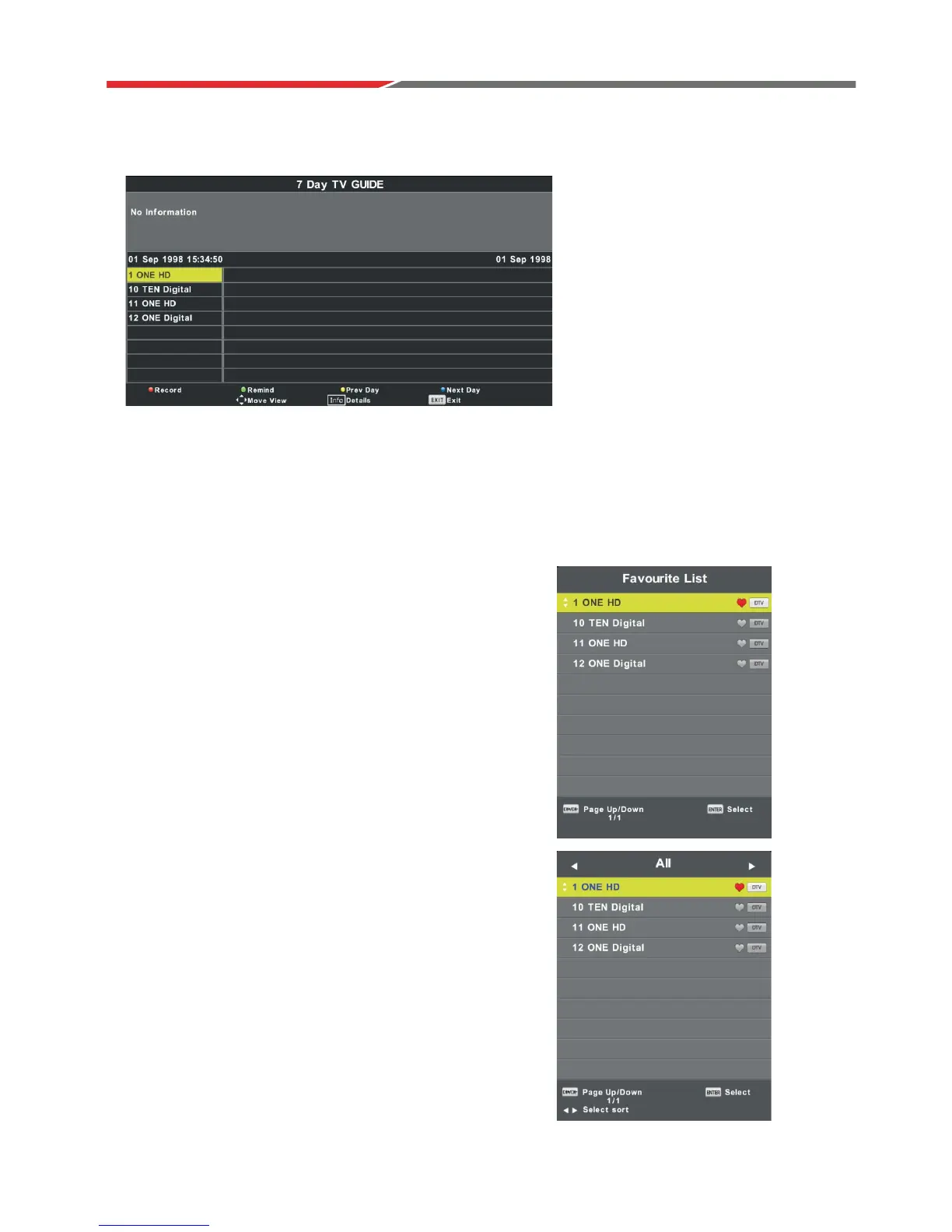
Press EPG button on remote control to enter EPG menu page.
Press UP/DOWN navigation button to select preferred program.
Press LEFT/RIGHT navigation button to switch between left column and right column.
When a program is highlighted (cursor moved to right column):
Press button to record program.
Press button repeatedly to set a reminder.
Press button to display program guide of previous day.
Press button to display program guide of next day.
RED
GREEN
YELLOW
BLUE
FAVOURITE LIST
When viewing an available channel, press FAV button
on remote control to enter Favourite List menu page.
Press UP or DOWN navigation buttons to select
preferred channel.
Press
OK button to confirm the selection.
NOTE:
To add a favorite channel, please refer to the operations
of “DTV Mode > Channel > Programme Edit” on page 6.
Quick select
When viewing an available channel,
Press OK button on remote control to
enter Channel List menu page.
Press UP or DOWN navigation buttons to select
preferred channel.
Press LEFT/RIGHT navigation buttons to select
a channel group.
Press OK button to confirm the selection.



 To Next Page