9
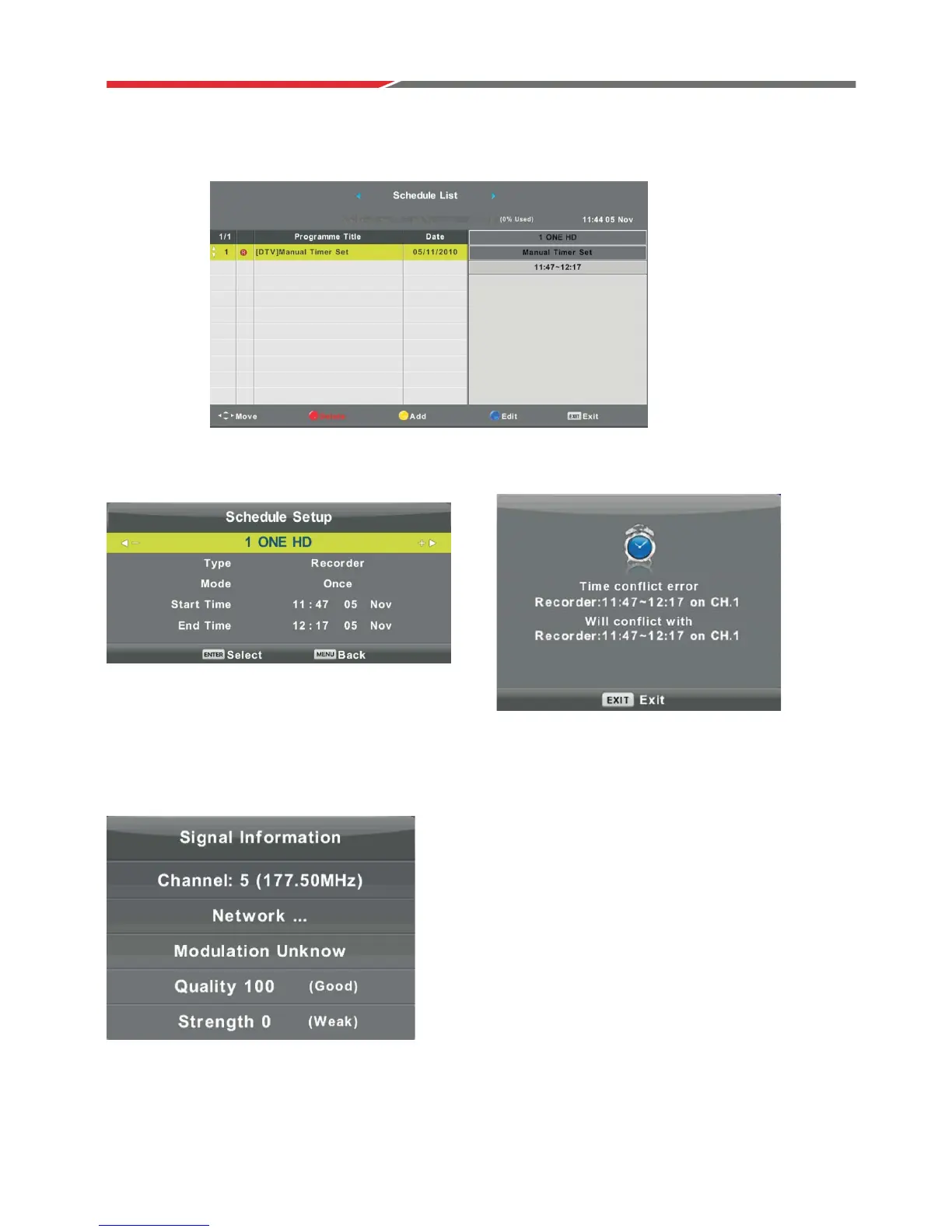
Schedule List
PresVźŸEutton to select Schedule List, then press ENTEREutton to enter suE-menu.
NOTE: If a program conflicts with a scheduled program,
it will produce a warning message.
Signal Information
P
NOTE: If quality is low:
• Make sure that power leads are away from the RF Antenna Lead
• Use RG6 Quad RF Antenna Lead
ress Eutton to select Signal Information, press the ENTER Eutton to see the detailed information
aEout the signal. Only availaEle when there is signal reception in DTV.
Press the Eutton to enter the
interfacHEelow.
YELLOW
źŸ
Press EXWWRQWRVHOHFWRSWLRQ
źŸ
Press to make and adjustment.
źŸ
Press ENTER to confirm.



 To Next Page