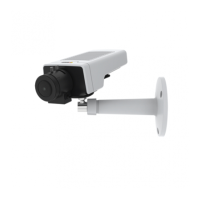
AXISM11NetworkCameraSeries
InstalltheHardware
Important
AXISM11Seriesisdesignedforindoorandoutdooruse.Touse
thecameraoutdoors,installinanapprovedoutdoorhousing.See
www.axis.comformoreinformationaboutoutdoorhousings.
1.IfusingamicroSDcardforlocalstorage,insertthecardinto
thecamera’sSDcardslot,seeHardwareOverviewonpage10.
2.Attachthecameratothestandbyusingtheincludedscrews.
Forwallmounting,attachthestandtothewallrst,using
threeappropriatescrews.
3.Attachthenetworkcabletothenetworkconnectoronthe
product.
4.CheckthattheindicatorLEDsindicatethecorrectconditions.
SeeLEDIndicatorsonpage11.
5.Accessthecamera’sliveviewpage,seeAccesstheProduct.
6.Adjustthefocusandzoom,seepage20.
18



 To Next Page