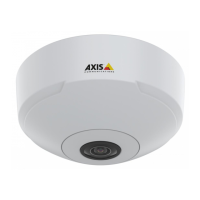
AXISM30NetworkCameraSeries
Howtorepainttheproduct
Howtorepainttheproduct
Disassembly
1
Dome
2
Covertop
1.Removethecovertopfromthecameraunit.
2.Pressandturnthedomeuntilitreleasesfromthecovertop.
Preparations
•Theequipmentmustbedisassembledaccordingtoinstructionsonpage3.
•Eachpartshouldbestrippedfromcomponentsandcrucialpartsmaskedtoensuresuccessfulreassembly.
•Allpartstoberepaintedshouldbestrippedofgaskets,screws,electricalcomponents,connectorsandplugs,windows
anddomes.
•Allpartstoberepaintedmustbethoroughlycleanedtoremovegrease,dustoroil.
3



 To Next Page
 Loading...