11.3.1 Viewing
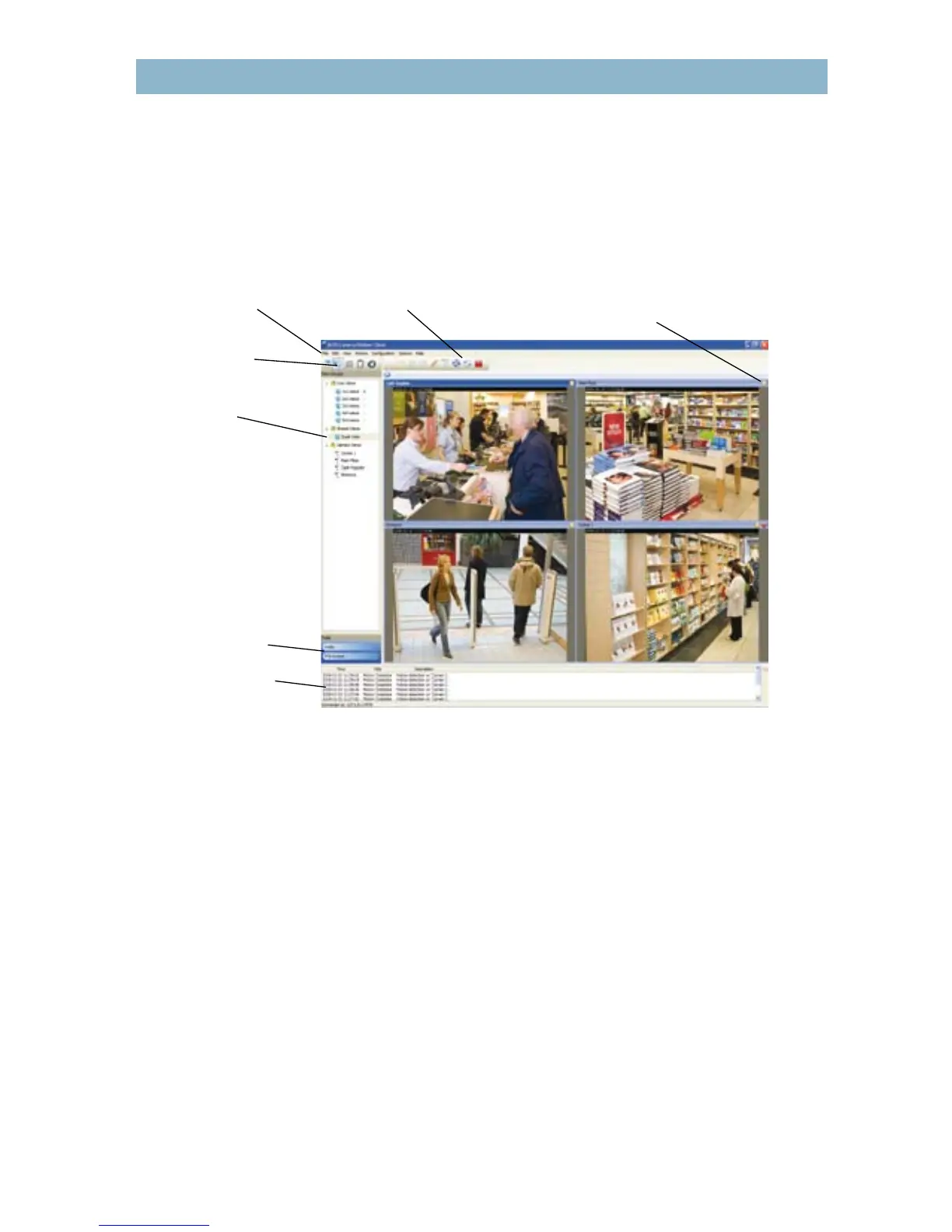
A key function of a video management system is enabling live and recorded video to be viewed
in ecient and user-friendly ways. Most video management software applications enable
multiple users to view in dierent modes such as split view (to view dierent cameras at the
same time), full screen or camera sequence (where views from dierent cameras are displayed
automatically, one after the other).
Figure 11.3a AXIS Camera Station’s live view screen.
Many video management software programs also oer a multi-camera playback feature, which
enables users to view simultaneous recordings from dierent cameras. This provides users with
an ability to obtain a comprehensive picture of an event, which is helpful in an investigation.
Additional features may be multi-monitor viewing and mapping, which overlays camera icons
that represent the locations of cameras on a map of a building or area.
11.3.2 Multi-streaming
Axis’ advanced network video products enable multi-streaming, where multiple video streams
from a network camera or video encoder can be individually congured with dierent frame
rates, compression formats and resolutions, and sent to dierent recipients. This capability
optimizes the use of network bandwidth.



 To Next Page