AXISP12NetworkCameraSeries
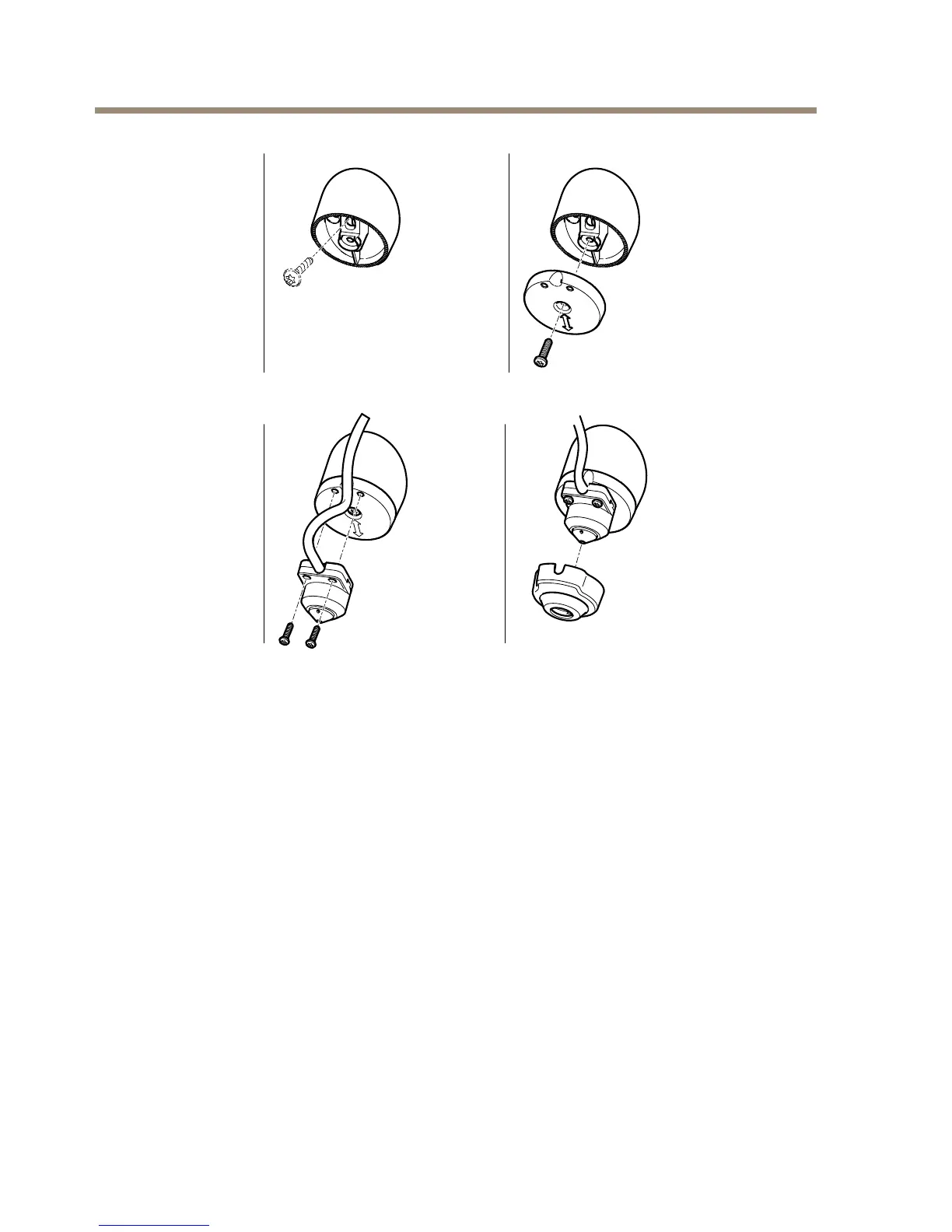
CovertInstallation
1.Drillaholewith3mmdiameterinthewallorceiling.Ifthematerialisthickerthan1mm
itmaybenecessarytoexpandtheholewithacountersinkcutter.
2.Pullofftheprotectionontheadhesiveandattachthestraightmountingbracketto
thewall.
3.Insertthecameraintothebracket,andfastenwiththestopscrew.Ensurethatthe
coneofthecameraisushwiththewall.
4.ProceedtoConnectthecables,seeConnecttheCablesonpage24.
20



 To Next Page