AXIS P13-E Network Camera Series Installation Guide Page 17
ENGLISH
5. Enter the password as set above, and click OK.
Note: If the password is lost, the camera must be reset to the factory default settings. See
page 27.
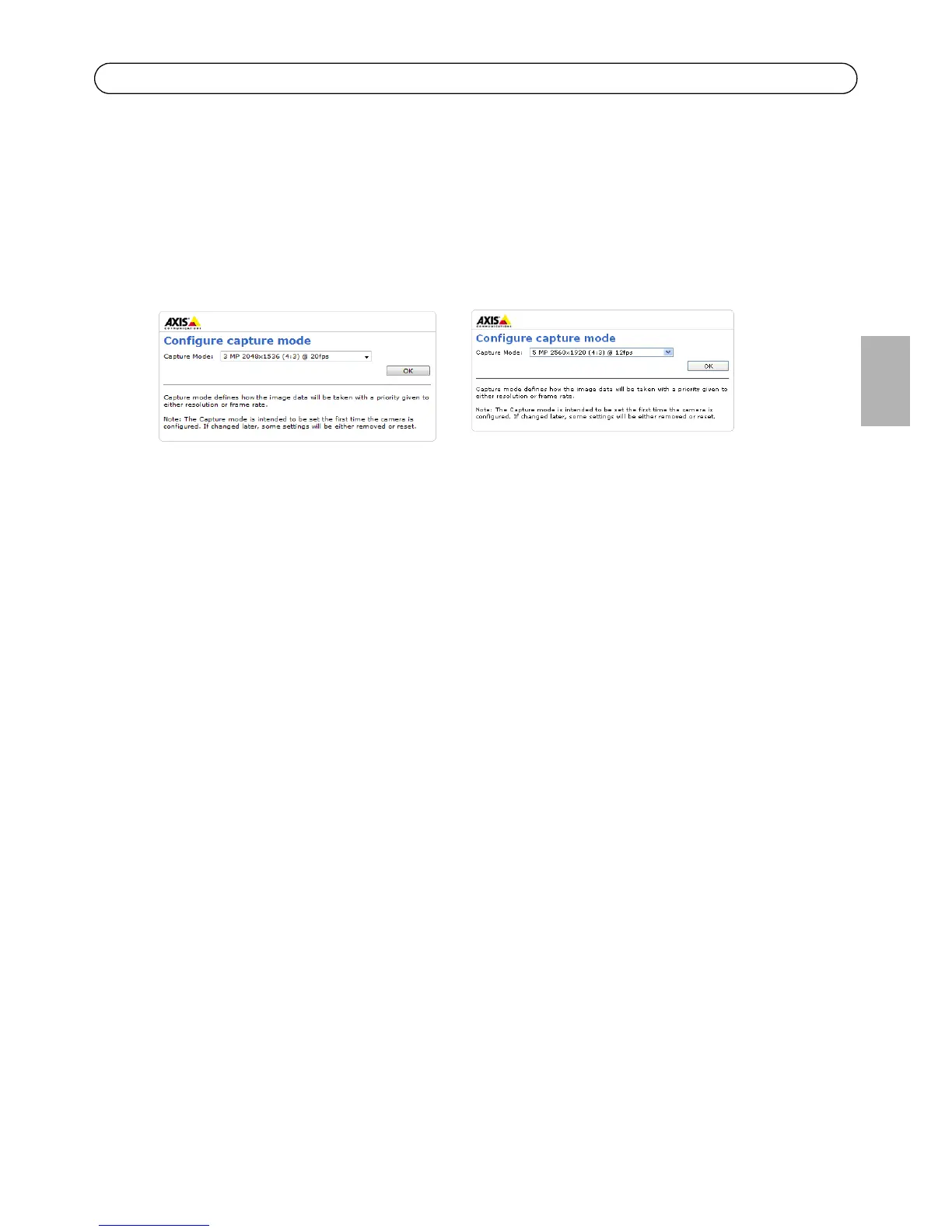
6. AXIS P1346-E/AXIS P1347-E: The capture mode must be set the first time AXIS P1346-E/AXIS
P1347-E is accessed. Select the desired capture mode from the drop-down list and click OK.
Note: The capture mode can be changed later from the product’s web pages, but this will
reset most other settings. For more information, see the online help or User’s Man-
ual.



 To Next Page