Page 22 AXIS P13-E Network Camera Series Installation Guide
Set the IP address with ARP/Ping
1. Acquire a free static IP address on the same network segment your computer is connected to.
2. Locate the serial number (S/N) on the product label on the camera.
3. Open a command prompt on your computer and enter the following commands:
4. Check that the network cable is connected to the camera and then start/restart the camera, by
disconnecting and reconnecting power.
5. Close the command prompt when you see ‘Reply from 192.168.0.125:...’ or similar.
6. In your browser, type in http://<IP address> in the Location/Address field and press Enter on
your keyboard.
Notes:
• To open a command prompt in Windows: from the Start menu, select Run... and type cmd. Click OK.
• To use the ARP command in Windows Vista, right-click the command prompt icon and select
Run as administrator.
• To use the ARP command on a Mac OS X, use the Terminal utility in Application > Utilities.
Unit connectors
Network connector - RJ-45 Ethernet connector. Supports Power over Ethernet. Using shielded
cables is recommended.
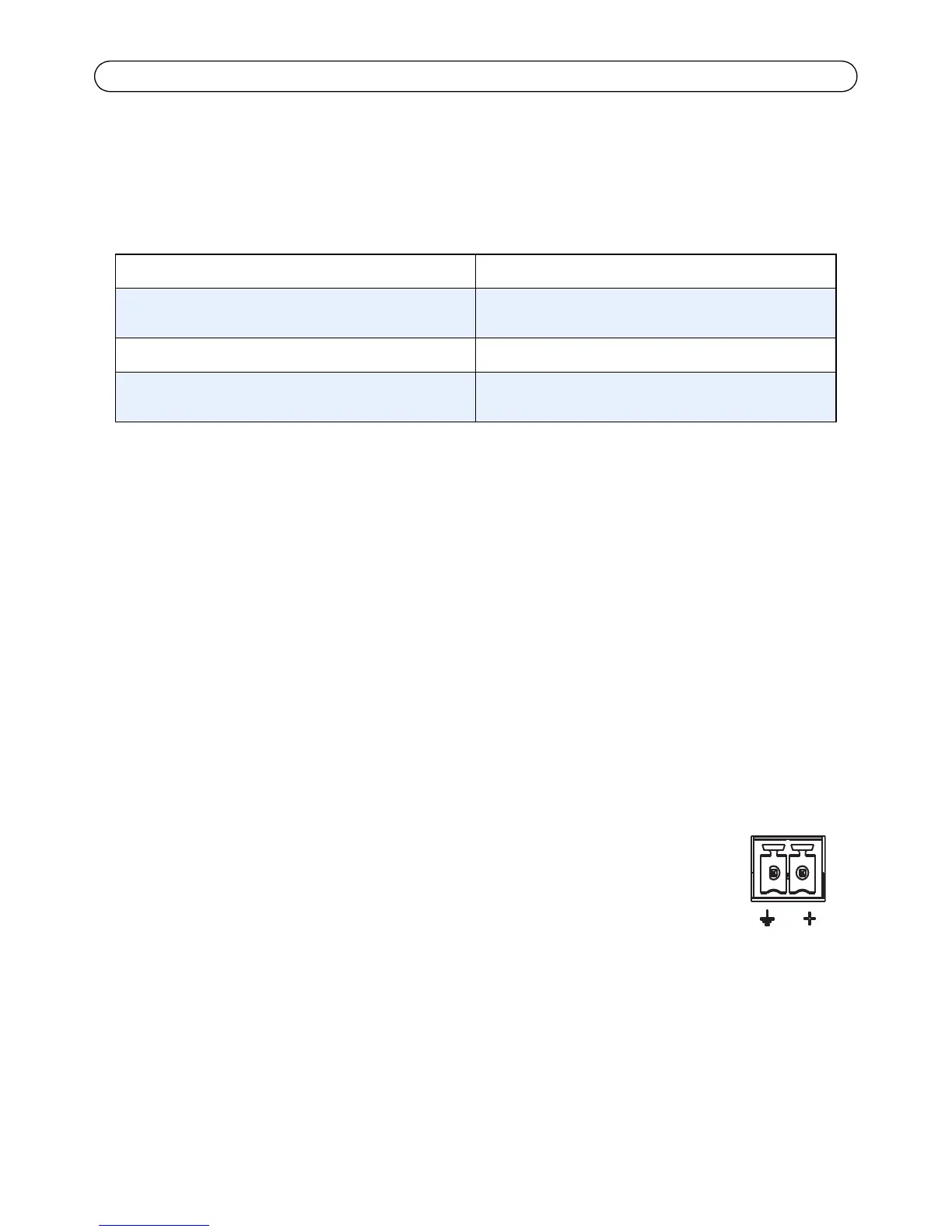
Power connector - 2-pin connector block used for power input (not used).
Audio in - 3.5 mm input for a mono microphone, or a line-in mono signal (left
channel is used from a stereo signal).
Audio out - Audio output (line level) that can be connected to a public address (PA)
system or an active speaker with a built-in amplifier. A pair of headphones can also
be attached. A stereo connector must be used for the audio out.
Windows syntax: Windows example:
arp -s <IP Address> <Serial Number>
ping -l 408 -t <IP Address>
arp -s 192.168.0.125 00-40-8c-18-10-00
ping -l 408 -t 192.168.0.125
UNIX/Linux/Mac syntax: UNIX/Linux/Mac example:
arp -s <IP Address> <Serial Number> temp
ping -s 408 <IP Address>
arp -s 192.168.0.125 00:40:8c:18:10:00 temp
ping -s 408 192.168.0.125



 To Next Page