Page 18 AXIS P13-E Network Camera Series Installation Guide
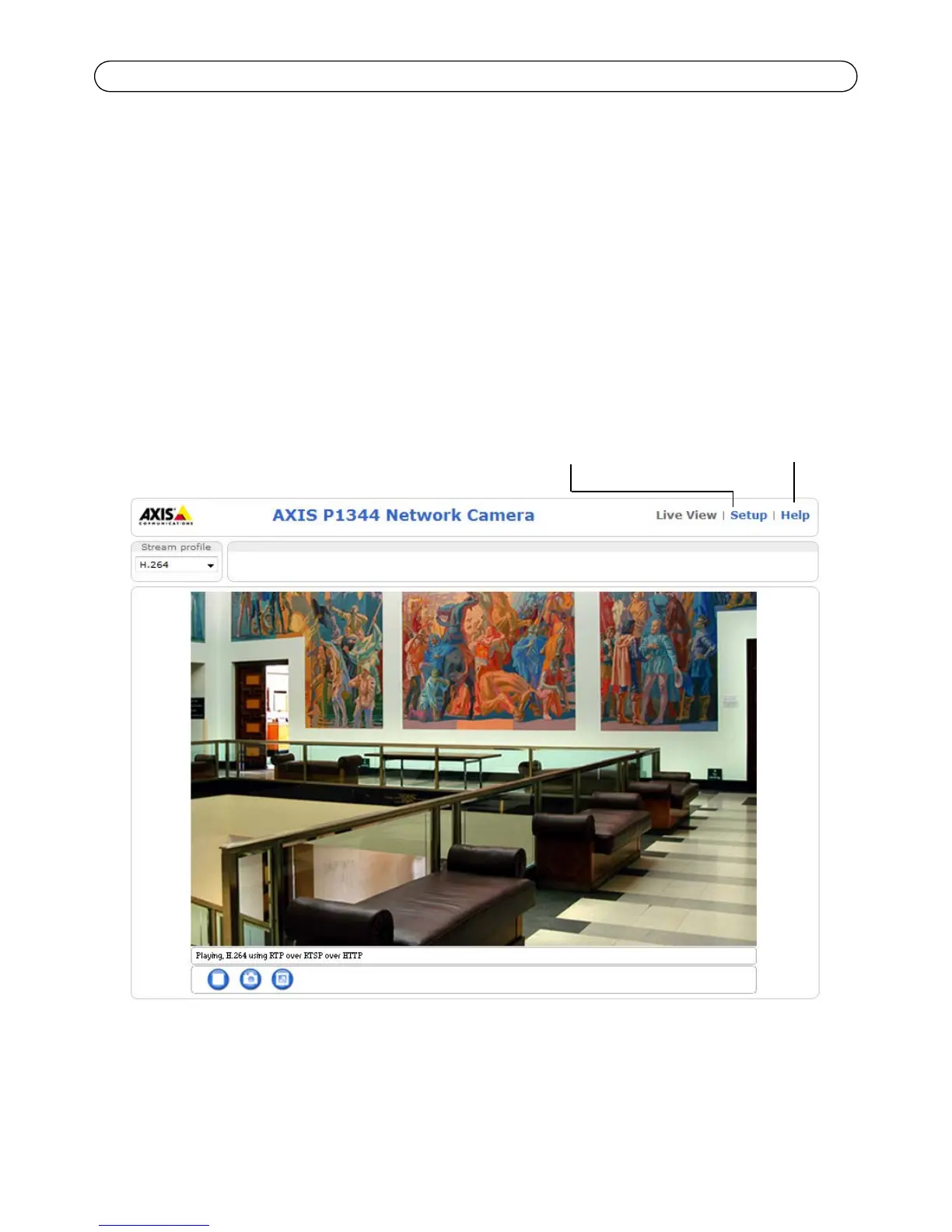
Access the video stream
The Live View page of the network camera is displayed, with links to the Setup tools, which allow
you to customize the camera.
If required, click Yes to install AMC (AXIS Media Control), which allows viewing of the video stream
in Internet Explorer. You will need administrator rights on the computer to do this.
If required, click the link to install missing decoders.
Note: To install AMC in Windows Vista and Windows 7, you must run Internet Explorer as
administrator. Right-click the Internet Explorer icon and select Run as administra-
tor.



 To Next Page