AXISP1445-LE-3LicensePlateVerifierKit
Getstarted
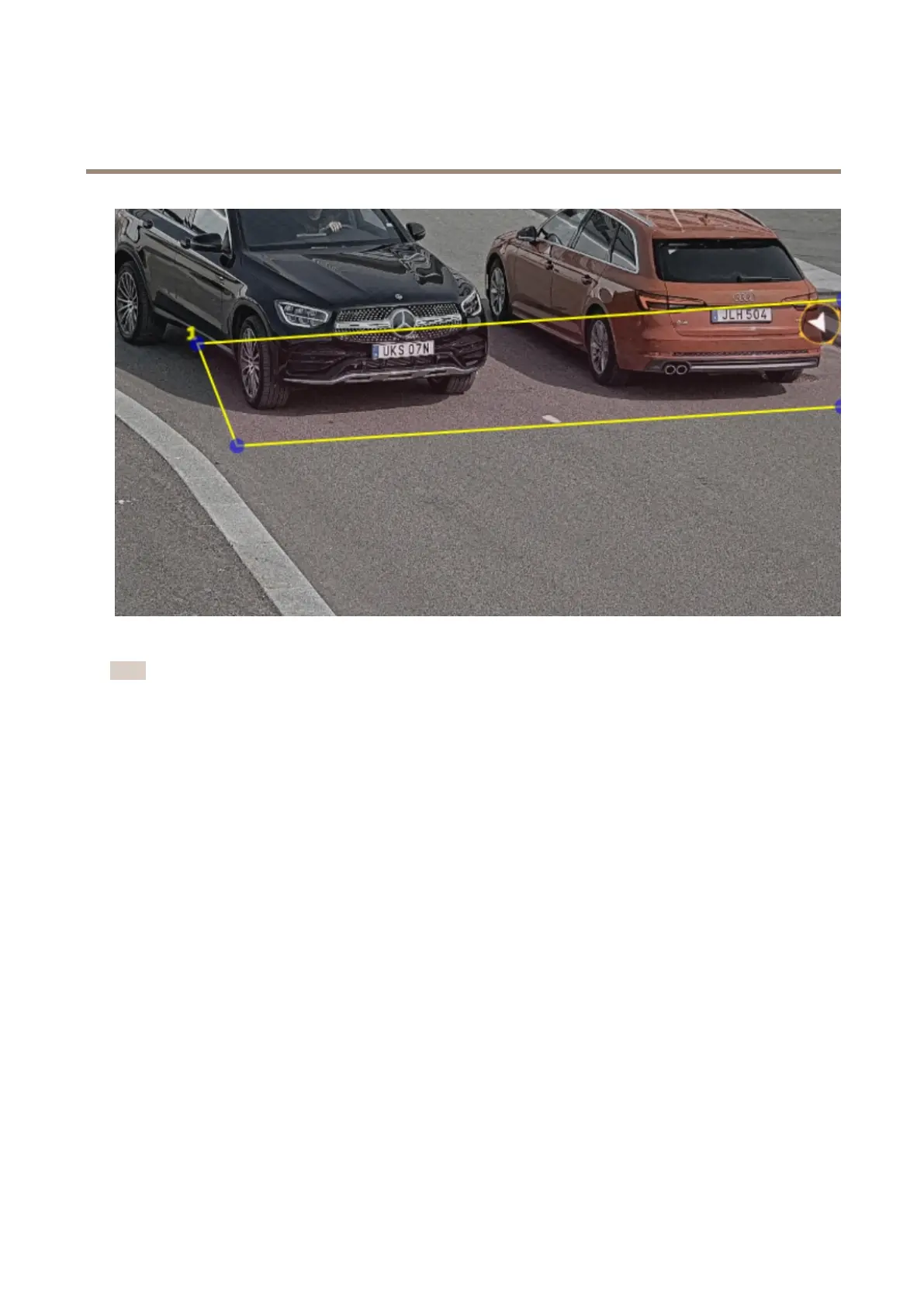
Examplewithoneareaofinterest.
Note
Forperformancereasons,keeptheareaofinterestassmallaspossible.
Selectregion
1.GotoSettings>Image.
2.IntheRegiondrop-downlist,selectyourregion.
Adjusttheimagecapturesettings
1.GotoSettings>Image.
2.Tochangetheresolutionofcapturedimages,gotoResolution
3.Tochangetherotationofthecapturedimage,gotoImagerotation
4.Tochangehowyousaveyourcapturedimages,gotoSavefullframe:
-Licenseplatecropsavesonlythelicenseplate.
-Vehiclecropsavestheentirecapturedvehicle.
-Framedownsized480x270savestheentireimageandreducestheresolutionto480x270.
-Fullframesavestheentireimageatfullresolution.
Setupeventstorage
Aneventconsistsofthecapturedimage,thelicenseplate,theareaofinterestnumber,vehicledirection,access,andthedateandtime.
11



 To Next Page