AXISP3353NetworkCamera
AccessingtheProduct
Selectthepowerlinefrequency(50Hzor60Hz)usedatthelocationoftheAxisproduct.Selectingthewrongfrequencymaycause
imageickeriftheproductisusedinuorescentlightenvironments.
Whenusing50Hz,themaximumframerateislimitedto25fps.
Note
Powerlinefrequencyvariesdependingongeographicregion.TheAmericasusuallyuse60Hz,whereasmostotherpartsof
theworlduse50Hz.Localvariationscouldapply.Alwayscheckwiththelocalauthorities.
TheLiveViewPage
ThecontrolsandlayoutoftheLiveViewpagemayhavebeencustomizedtomeetspecicinstallationrequirementsanduser
preferences.Consequently,someoftheexamplesandfunctionsfeaturedheremaydifferfromthosedisplayedinyourownLiveView
page.Thefollowingprovidesanoverviewofeachavailablecontrol.
ControlsontheLiveViewPage
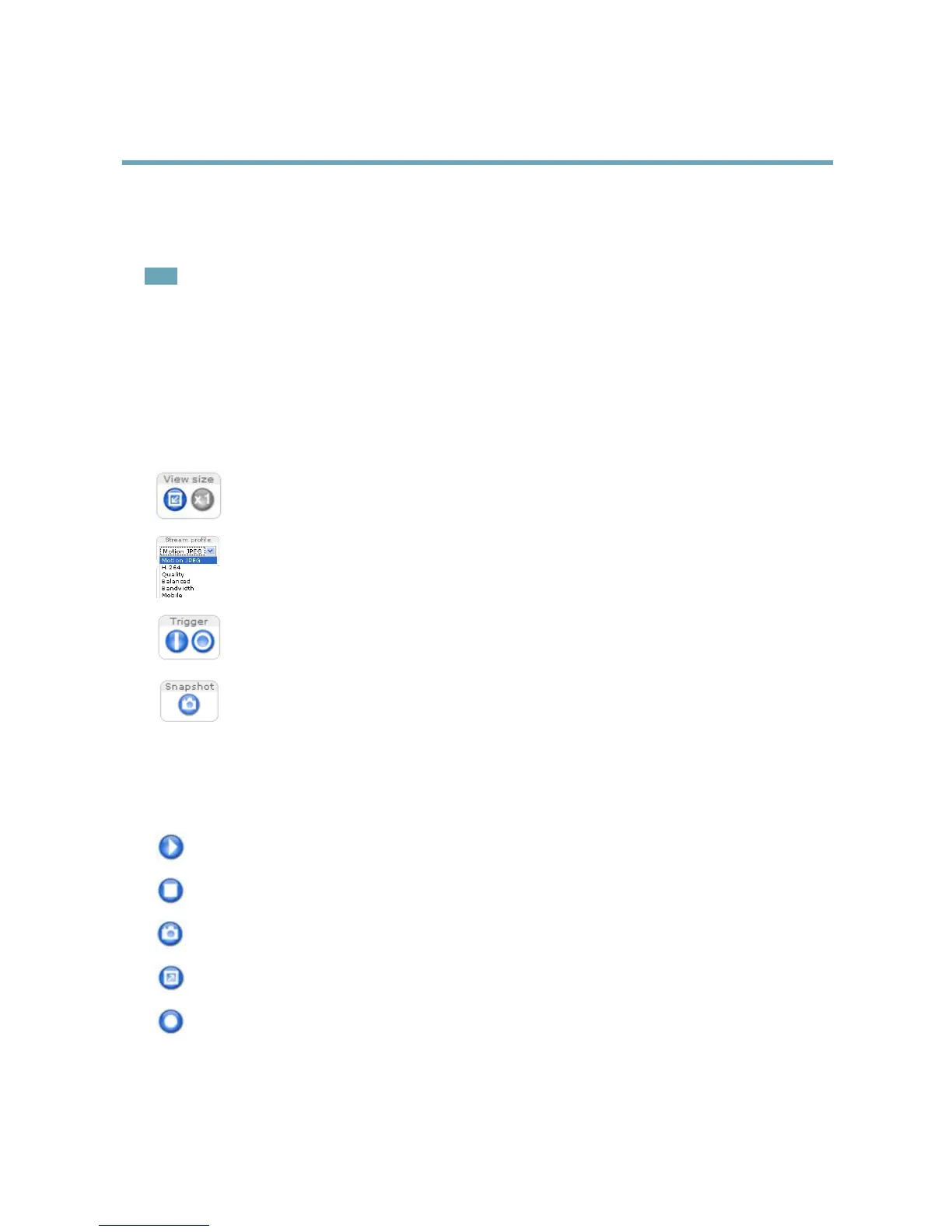
ClickViewsizetoscaletheimagedownto800pixelswideortofullscale.OnlyavailableinMJPEG.
SelectastreamprolefortheLiveViewpagefromtheStreamProledrop-downlist.Forinformationabouthow
tocongurestreamproles,seepage17.
TheManualTriggerbuttonisusedtotriggeranactionrulefromtheLiveViewpage.Forinformationabouthow
tocongureandenablethebutton,see.
ClickSnapshottosaveasnapshotofthevideoimage.ThisbuttonisprimarilyintendedforusewhentheAXIS
MediaControlviewertoolbarisnotavailable.EnablethisbuttonfromLiveViewCong>ActionButtons.
AXISMediaControlviewertoolbar
TheAXISMediaControlviewertoolbarisavailableinInternetExploreronly.SeeAXISMediaControl(AMC),onpage12formore
information.Thetoolbardisplaysthefollowingbuttons:
ThePlaybuttonconnectstotheAxisproductandstartsplayingamediastream.
TheStopbuttonstopsthemediastream.
TheSnapshotbuttontakesasnapshotofthevideoimage.Thelocationwheretheimageissavedcanbespecied
intheAMCControlPanel.
ClicktheViewFullScreenbuttonandthevideoimagewilllltheentirescreen.PressESC(Escape)onthecomputer
keyboardtocancelfullscreenview.
TheRecordbuttonisusedtorecordthecurrentvideostream.Thelocationwheretherecordingissavedcanbespeciedin
theAMCControlPanel.EnablethisbuttonfromLiveViewCong>ViewerSettings.
10



 To Next Page