AXISQ1798-LENetworkCamera
Additionalsettings
1.GotoSystem>Events>Actionrules.
2.ClickAdd.
3.Givetheactionruleaname,forexample“Opengate”.
4.IntheTriggerdrop-downmenu,selectInputsignal.
5.SelectDigitalinputsignal.
6.Select”PIRdetector”,inthisexampleconnectedtoport1.
7.UnderActions,selectOutputportfromtheTypedrop-downmenu.
8.InthePortdrop-downmenu,select“Gateswitch”.
9.ClickOk.
10.Createanotheractionrulewiththename“Directthecameratothegate".
11.Selectthesameinputsignalasbefore,butasactionselectthepreviouslycreated“Gateentrance”presetposition.
12.ClickOk.
Setuptheintrusionalarm
Beforeyoustart
•Connecttheintrusionalarmswitchtopin1(ground)andpin3(digitalI/O)ofthecamera’sI/Oconnector.
Conguretheinputport
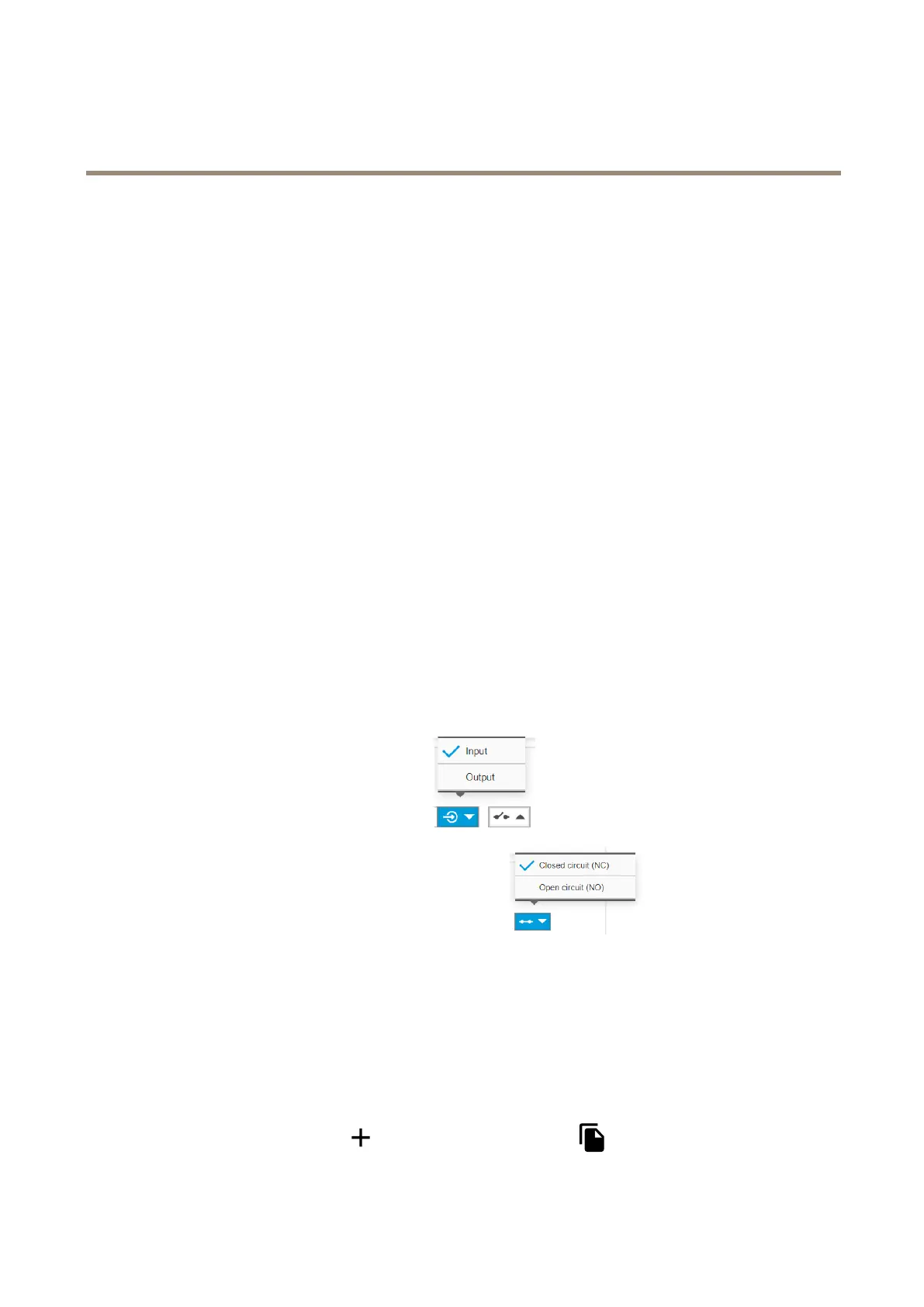
1.GotoSettings>System>I/Oports.
2.ForPort1:
2.1SelectInputinthedrop-downmenu
.
2.2SelectClosedcircuit(NC)inthedrop-downmenu
.
Createarule
1.GotoSettings>System>Eventsandcreateanactionrule.
2.Typeanamefortheactionrule.
3.FromtheTriggerdrop-downlist,selectInputsignalandDigitalInputPort.
4.SetActivetoYes.
5.FromtheScheduledrop-downlist,selectSendNoticationandselectarecipientorcreateanewrecipient.
Tocreateanewrecipient,click
.Tocopyanexistingrecipient,click.
21



 To Next Page