AXIS Q60-S Series
Left A When connecting to a camera or a device that is not
intended for viewing data.
Right
C
When connecting to another media converter switch.
Network connector (internal) - Two 2-pin Ethernet terminal blocks.
I/O connector (external) - 6-pin congurable I/O terminal block, which is connected to the
camera through the multi-connector cable. Use with external devices in combination with, for
example, tampering alarms, motion detection, event triggering, time lapse recording and alarm
notications. In addition to the 0 V DC reference point and power (DC output), the I/O connector
provides the interface to:
• Digital output – For connecting external devices such as relays and LEDs.
Connected devices can be activated by the VAPIX® Application Programming
Interface, output buttons on the Live View page or by an Action Rule. The output
will show as active (shown under System Options > Port & Devices > Port
Status) if the alarm device is activated.
• Digital input – An alarm input for connecting devices that can toggle between
an open and closed circuit, for example: PIRs, door/window contacts, glass
break detectors, etc. When a signal is received the state changes and the input
becomes active (shown under System Options > Port & Devices > Port Status).
I/O connector (internal) - 2–pin I/O terminal block.
Specications
Operating Conditions
The Axis product is intended for outdoor use.
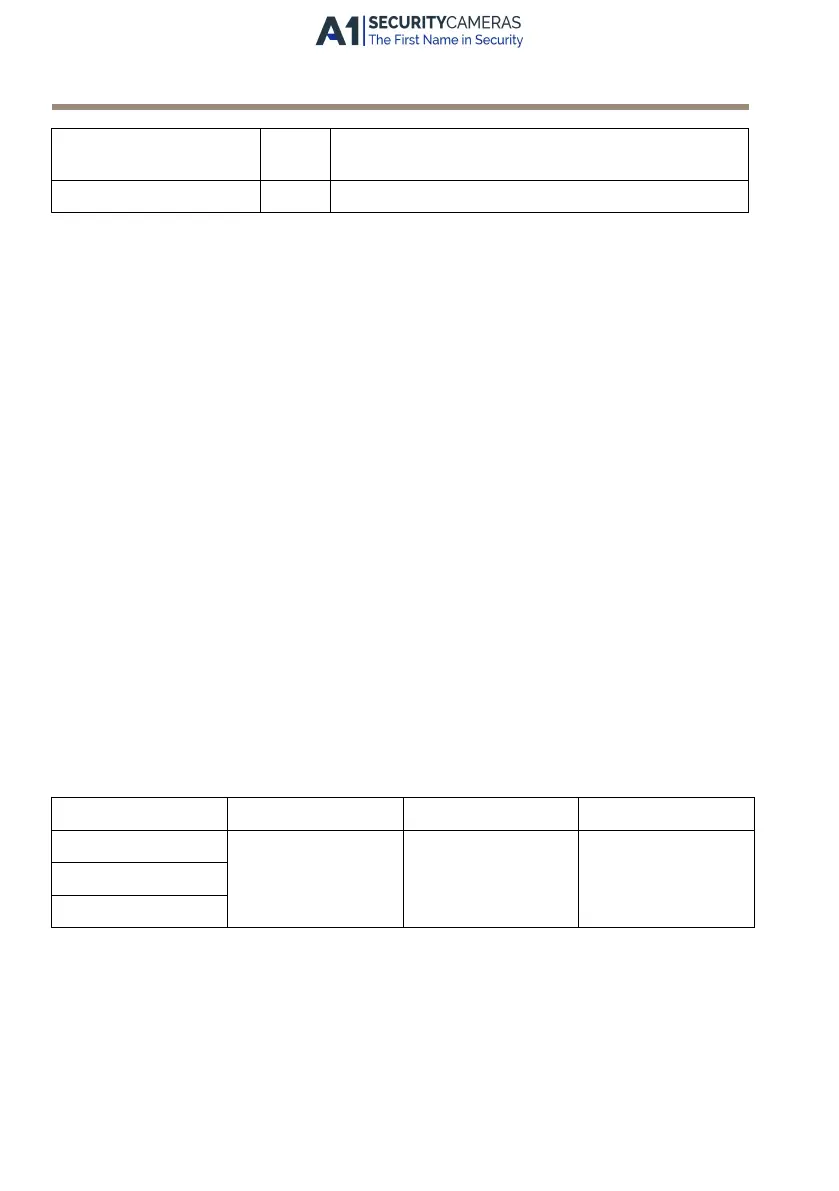
Product
Classication
Temperature Humidity
AXIS Q6042-S IEC 60721-4-3
Class 3K3
IEC/EN 60529 IP66
ISO 20653 IP6K9K
-30 °C to 50 °C
(-22 °F to 122 °F)
10–100% RH (con-
densing)
AXIS Q6044-S
AXIS Q6045-S Mk II
Storage Conditions
The Axis product is intended for outdoor use.
18
Available from A1 Security Cameras
www.a1securitycameras.com email: sales@a1securitycameras.com



 To Next Page
 Loading...





