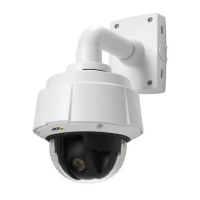
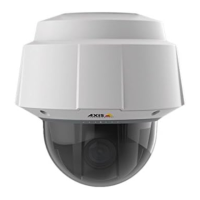
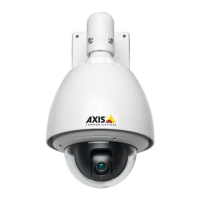
AXIS Q6035 PTZ Dome Network Camera
Video and Audio
• G726
Sample rate - The number of times per second the sound is sampled. A higher sample rate will provide better audio quality, but
also requires a greater bandwidth.
Bit rate - Set the required bit rate depending on the selected encoding. A higher bit rate will give better audio quality. A lower bit
rate may have latency or delay, but will require less bandwidth.
For m ore inform ation about these settings, please see the online help
.
Audio Output
An external speaker can be connected to the product’s Audio -out connector (a built-in amplifier is required for this). The output can
be connected to another amplifier with speakers. A stereo co nnector must be used for the audio out.
Configure the audio output settings under Video & Audio > Audio Settings.
Note
A multi-connector cable (available from Axis;
Multi-Connector Cable (sold separately)
) is required when connecting external
audio equipment to the Axis product.
Output gain - Control the volume (dB Full Scale) of the line audio output. If the sound is too low, choose a higher dB. If the
sound is too high, choose a lowe r dB.
Audio C lips
An audio clip is a sound file that can be played when events occur or directly from the Live View page. The audio clip must first be
uploaded to the Axis product or recorded by a microphone connected to the product.
To add, download, modify or remove audio clips, go to Video & Audio > Audio Clips.Form
ore information see the online help
.
To configure the Axis product to play audio clips when an e vent occurs, an acti
on rule must be set up. For more information, see
Events, on page 34
.
Note
Audio clips cannot be used if the product’s audio functionality is enabled. The audio functionality is enabled on the Audio
tab under Video & Audio > Video Stream.
22



 To Next Page