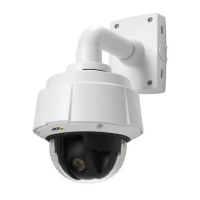
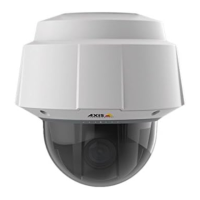
AXIS Q6035 PTZ Dome Network Camera
Live View Config
- Active/Inactive displays two buttons, one or each action.
To configuretheactiveandinactivestates,gotoSystem Options > Ports & Devices > I/O Ports and set the port’s Normal state.
For more information about I/O ports, see
I/O Ports, on page 47
.
Note
A m ulti-connecto r cable (available from Axis) is required when connecting external I/O devices to the Axis product. See
Multi-Connector Cable (sold separately), on page 58
25



 To Next Page