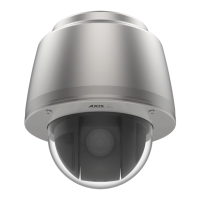
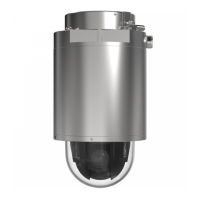
AXISQ60-ESeries
Additionalsettings
2.Typeanamefortherule.
3.Inthelistofconditions,selectTampering.
4.Inthelistofactions,selectSendnoticationtoemailandthenselectarecipientfromthelist.GotoRecipients
tocreateanewrecipient.
Tocreateanewrecipient,click
.Tocopyanexistingrecipient,click.
5.Typeasubjectandamessagefortheemail.
6.ClickSave.
14



 To Next Page