AXISQ87BispectralPTZNetworkCameraSeries
Installthenetworklink
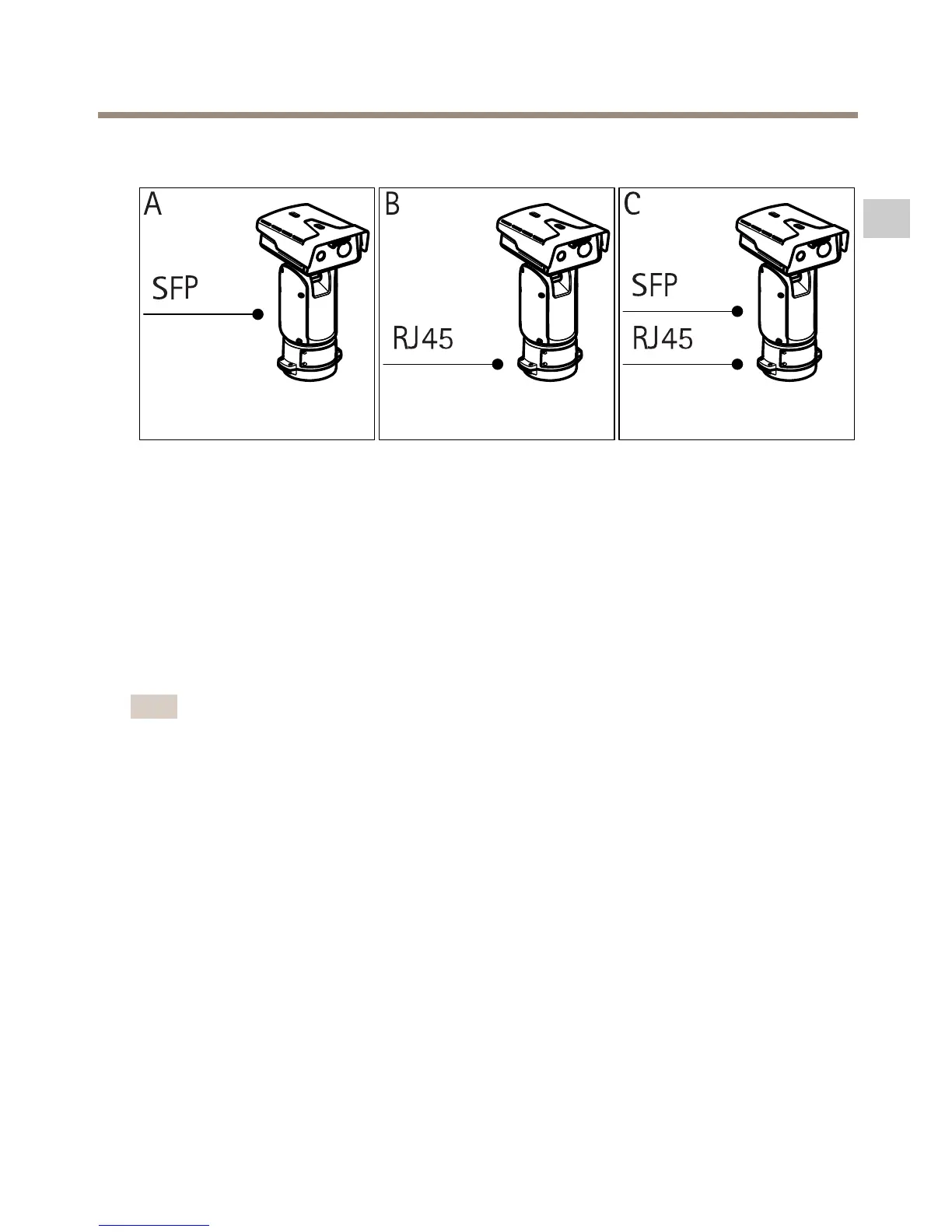
Youhavedifferentoptionsforinstallingthenetworklink:
•A:viaanopticalberorRJ45cableconnectedtotheSFPmodule(witharespective
connector)intheSFPslot.
•B:viaanRJ45cableconnectedtothexedRJ45connector.
•C:viabothoftheabove,inwhichcaseconnectionviatheSFPmodulefunctionsasthe
primarynetworklinkandconnectionviathexedRJ45connectorasthefail-overlink.
Formoreinformationonnetworkconnectorlocations,seeConnectorsonpage27.
Note
•SFPmoduleisnotincluded.FormoreinformationonavailableSFPmodules,see
www.axis.com
•EstablishinganetworklinkonlyviatheopticalbercableusingtherespectiveSFPmodule
worksasastand-alonesolutionforlongrangecablinginstallations.
21
EN


 To Next Page
 Loading...









