Axon Fleet 3 Camera System User Manual
Axon Enterprise, Inc. Page 14 of 19
Notification Reference Tables
Audio Prompts
The Axon Fleet system emits beeping sounds called “audio prompts” to notify you of the
system status. These audio prompts usually occur after a camera action.
Two tones (repeats every 2 minutes)
The device is ending an event and returning to BUFFERING
mode
Respond Livestreaming started
LED Status
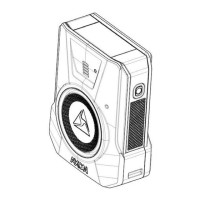
The Primary and Secondary LEDs on the back of the Axon Fleet 3 Dual-View camera provide
information about camera operating status.
The Operation LED provides information about the recording status of the Dual-View
Camera.
Primary LED
The Primary LED shows the Dual-View Camera’s current operating status.
Primary LED – Dual-View Camera Status
Live Streaming while buffering
Live Streaming while recording


 To Next Page
 Loading...

