3
REV. 5/27/2020 INSTLC-GMRC-LAN-09
INSTALLATION
PROGRAMMING
With the key in the off position:
1. Locate the factory radio harness in the vehicle and complete all necessary connections to the
aftermarket radio.
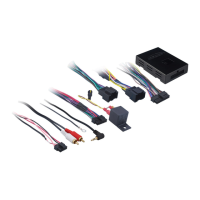
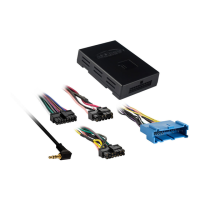
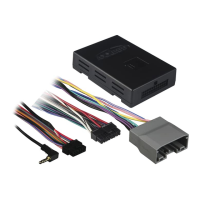
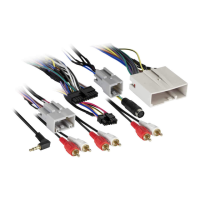
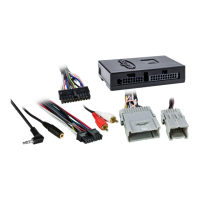
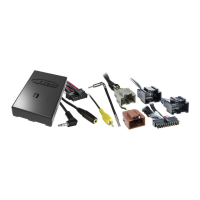
2. Connect the LC-GMRC-LAN-09 harness into the LC-GMRC-LAN-09 interface, and then to the
factory radio harness in the vehicle.
Note: For the Equinox and Malibu, use part number AX-GMLAN09EXT (sold separately) to extend
the wiring harness to the right of the glovebox where the radio brain is located at.
Attention: If the interface loses power for any reason, the following steps will need to be
performed again.
1.
Turn the key (or push-to-start button) to the ignition position and wait until the radio comes on
.
Note: If the radio does not come on within 60 seconds, turn the key to the off position,
disconnect the interface, check all connections, reconnect the interface, and then try again.
2.
Cycle the key off. If the driver’s door is closed, open and close the door. Cycle the key back on.
3. Test all functions of the installation for proper operation, before reassembling the dash.


 To Next Page
 Loading...