EasyManua.ls Logo

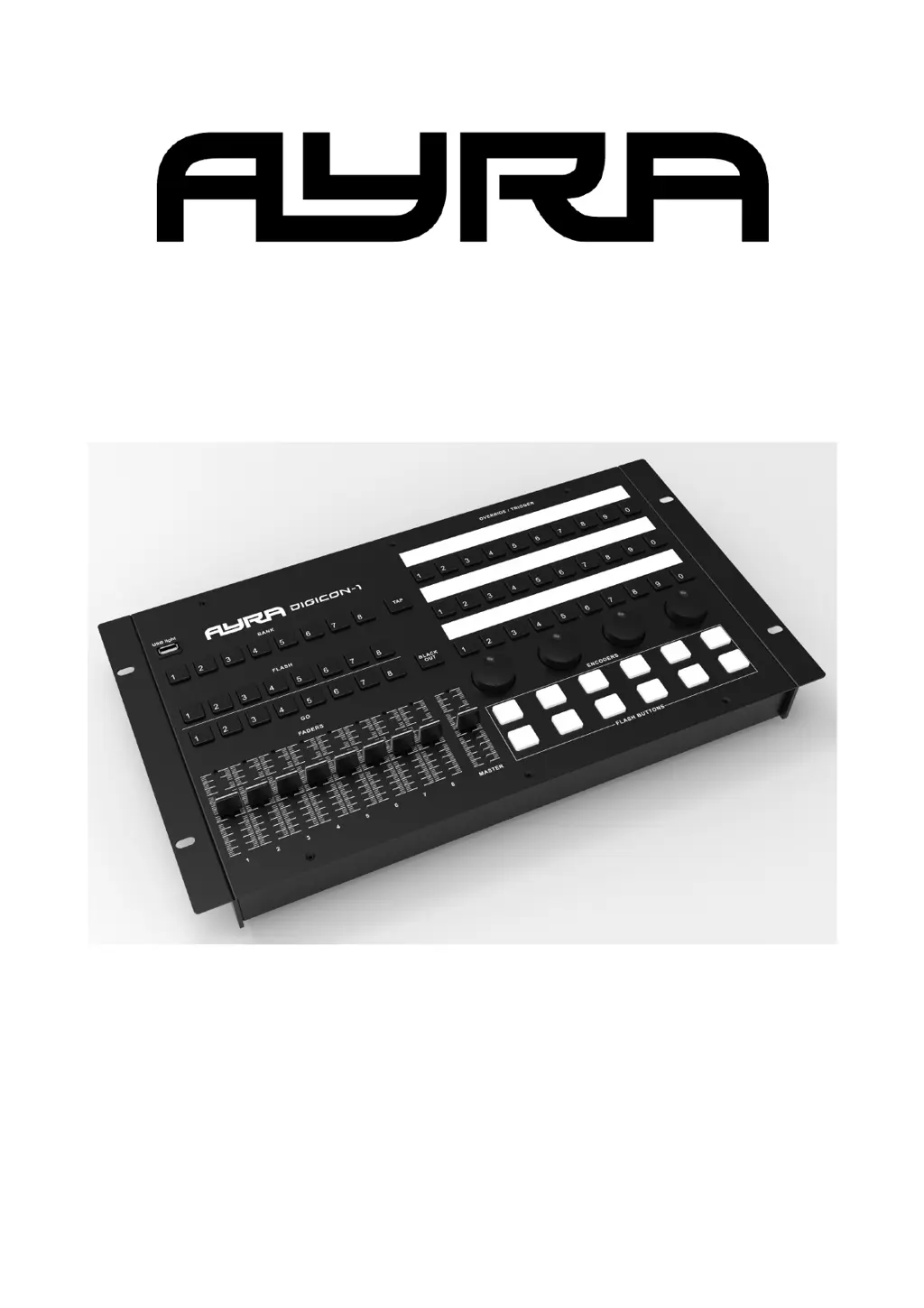
Ayra DigiCon-1 - User Manual

Ayra DigiCon-1
12 pages
Print Icon
To Next Page IconTo Next Page
Loading...
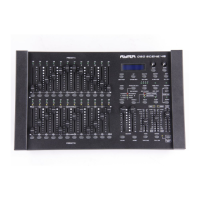
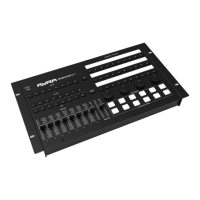
DigiCon-1
Desktop MIDI Wing for (Lighting) Software
User Manual
The information in this user manual is subject to change at any time without notice.
Version: 1.0 Date of creation and author's initials: 02-12-2020 RV Revision date and author's initials: -

Questions and Answers

  • E
    Elizabeth MontoyaAug 9, 2025
    What to do if my Ayra DJ Equipment is not sending signals to my computer?
    • J
      James YoungAug 10, 2025
      If your Ayra DJ Equipment isn't sending signals to your computer, there are several things to check: * Ensure the power cable is correctly connected to both the device and a functioning mains socket. * Verify the USB cable is connected to both the device and your computer. * Make sure the device is switched on using the power switch on the back. * Check if the power socket or strip is switched on. If these steps don't resolve the issue, the device may have a fault. In that case, switch it off, disconnect the power and signal cables, and contact your retailer for assistance.
  • J
    jack31Aug 19, 2025
    Why my computer doesn't recognize Ayra DJ Equipment?
    • T
      Tamara Nelson DDSAug 19, 2025
      If your computer doesn't recognize the Ayra DJ Equipment, it could be due to a few reasons. First, ensure that the USB cable is properly connected between the device and your computer. Also, check that the device is powered on. If the problem persists, try using your system’s Device Manager to troubleshoot. Most Windows and Mac computers automatically recognize the device as a generic MIDI device.
  • K
    Kristen FrederickAug 30, 2025
    What to do if my Ayra DJ Equipment has developed a fault?
    • D
      Dr. Natalie CollinsAug 30, 2025
      If you suspect your Ayra DJ Equipment has a fault, switch the device off, disconnect both the power and signal cables, and then contact your retailer for further assistance.

Summary

Introduction

Safety Instructions

Important Information Regarding Health and Safety

Key safety precautions and guidelines for device operation and handling.

Guidelines and Operation of this Device

Storage and Transport

Guidelines for safely storing and transporting the device.

Housing

Recommendations for inspecting and maintaining the device housing.

Symbol Explanation

Overview of the Digicon-1

Using the Digicon-1

Troubleshooting

Technical Specifications

Ayra DigiCon-1 Specifications

Power IconPower
recorded power consumption7.6 W
power supply100-240 V, 50/60 Hz
fuseT2A, 250V
Ports & Interfaces IconPorts & Interfaces
USB port voltage5 V DC
USB port current1 A
USB port descriptionfor optional gooseneck light or other gadget
Weight and Dimensions IconWeight and Dimensions
dimensions482 x 267 x 68 mm
weight3.295 kg

Related product manuals