4
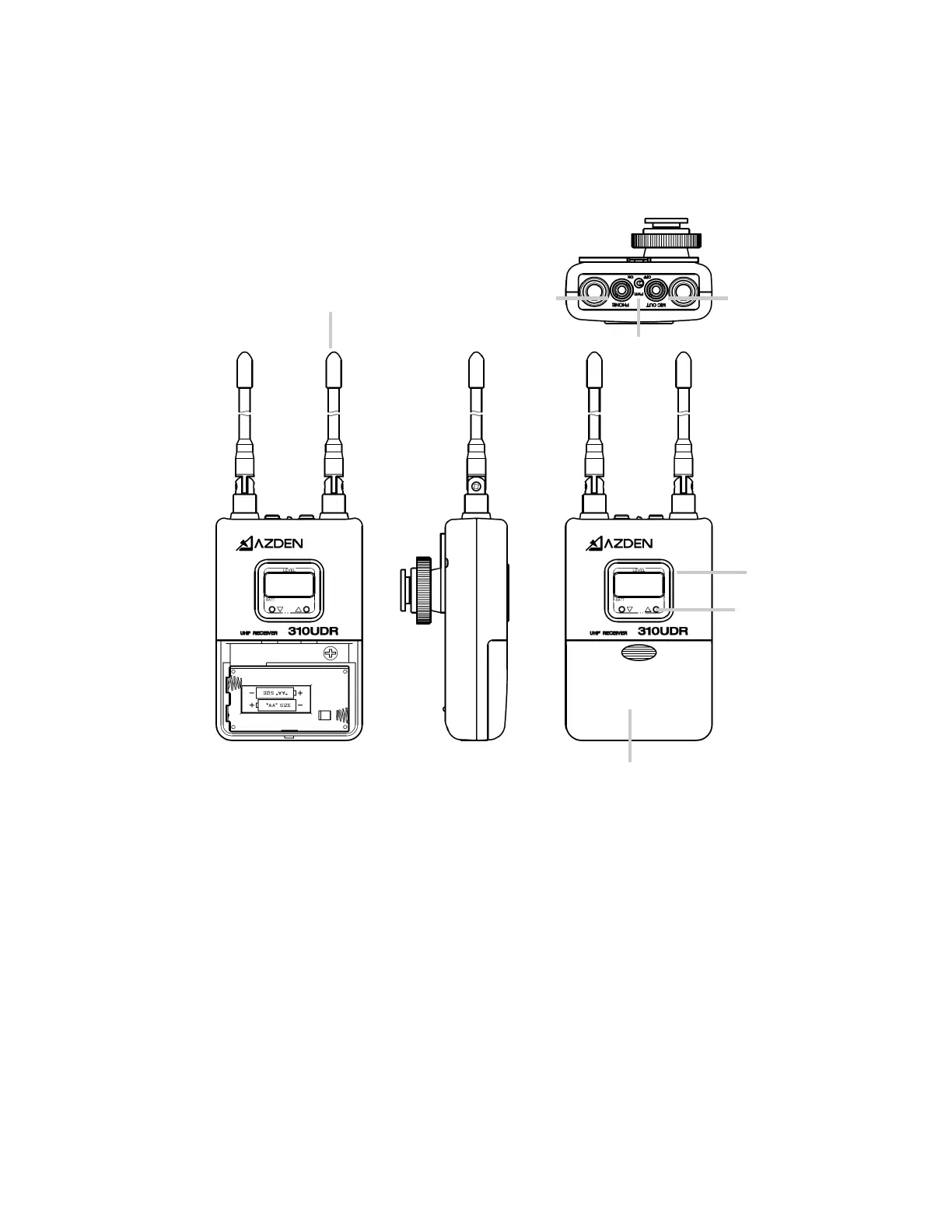
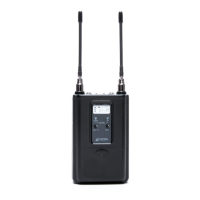
310UPR Diversity Receiver
① Antennas
For the best recepon, the antennas should be pointed in an upward posion. Use cau-
on and do not force them into this posion.
② Power Switch
To turn ON/OFF the receiver
③ LCD Display
The LCD Display shows mulfunconal readout. Refer to “LCD Display Readouts” in this
manual for further details.
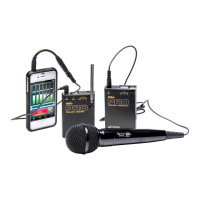
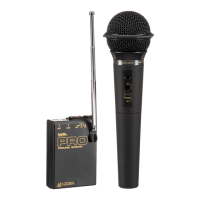
35HT Handheld Microphone/Transmier
Turn the power switch on the 35HT Transmier to “ON” posion and the baery level
indicator on the LCD display should come on. Have someone speak into the micro-
phone as you monitor the sound through the camera’s monitor output. Adjust the MIC
input level control accordingly.
①
②
③
④
⑤ ⑥
⑦


 To Next Page