8
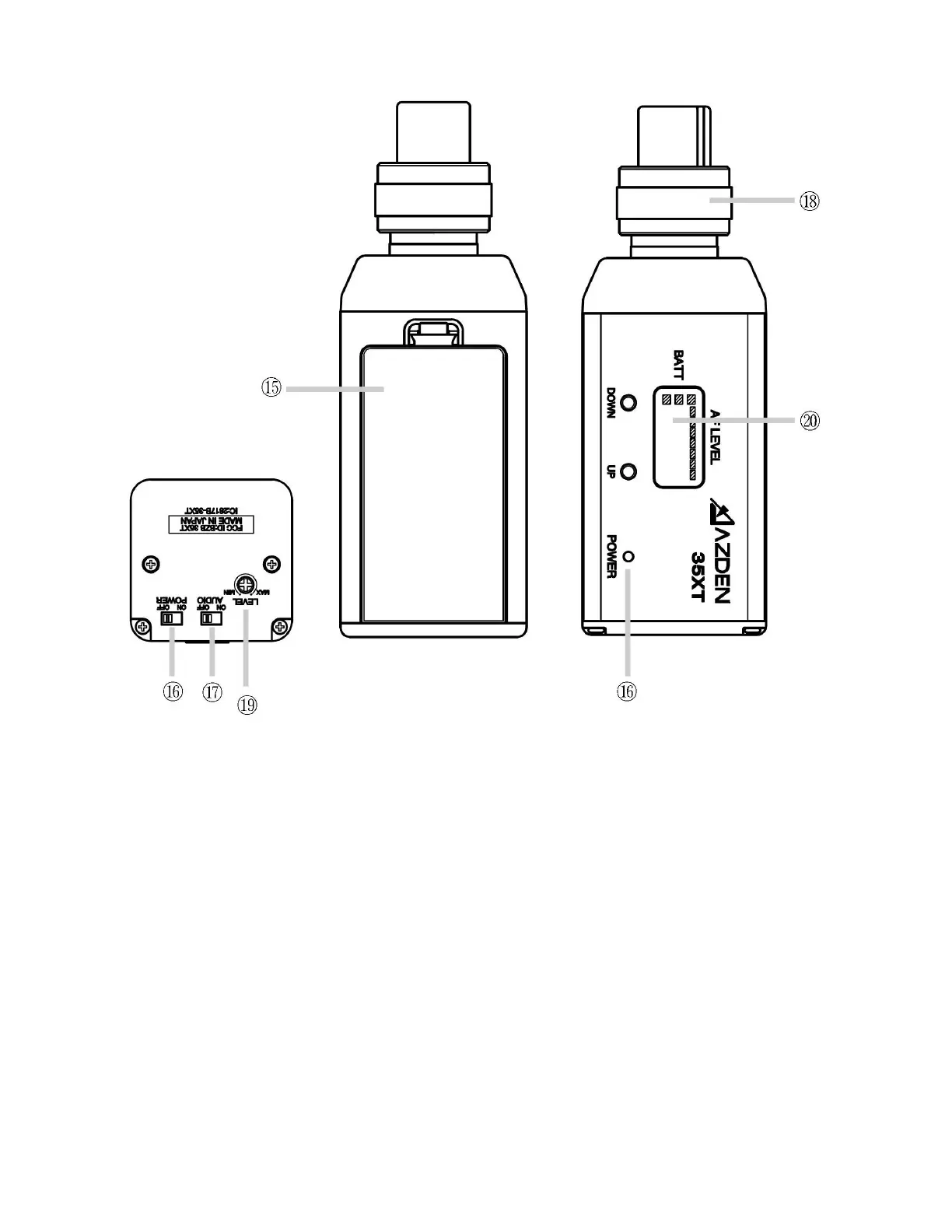
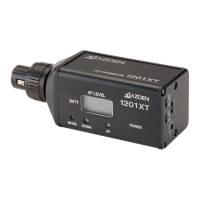
35XT Plug-in Transmier
⑮ Baery Compartment
Open the baery compartment lid by pushing down on the tab and liing it up. Install
two fresh alkaline “AA” baeries. Make sure the baery polarity is correct as marked
inside the baery compartment.
⑯ POWER Switch
Turns the 35XT Transmier “ON” or “OFF”.
⑰ AUDIO Switch
It is best to set the AUDIO switch to “OFF” prior to rst turning the POWER switch
“ON”. When you are ready to begin transming, turn the AUDIO “ON”. The “OFF” po-
sion acts as “mute” that maintains the RF signal but turns o the audio.


 To Next Page