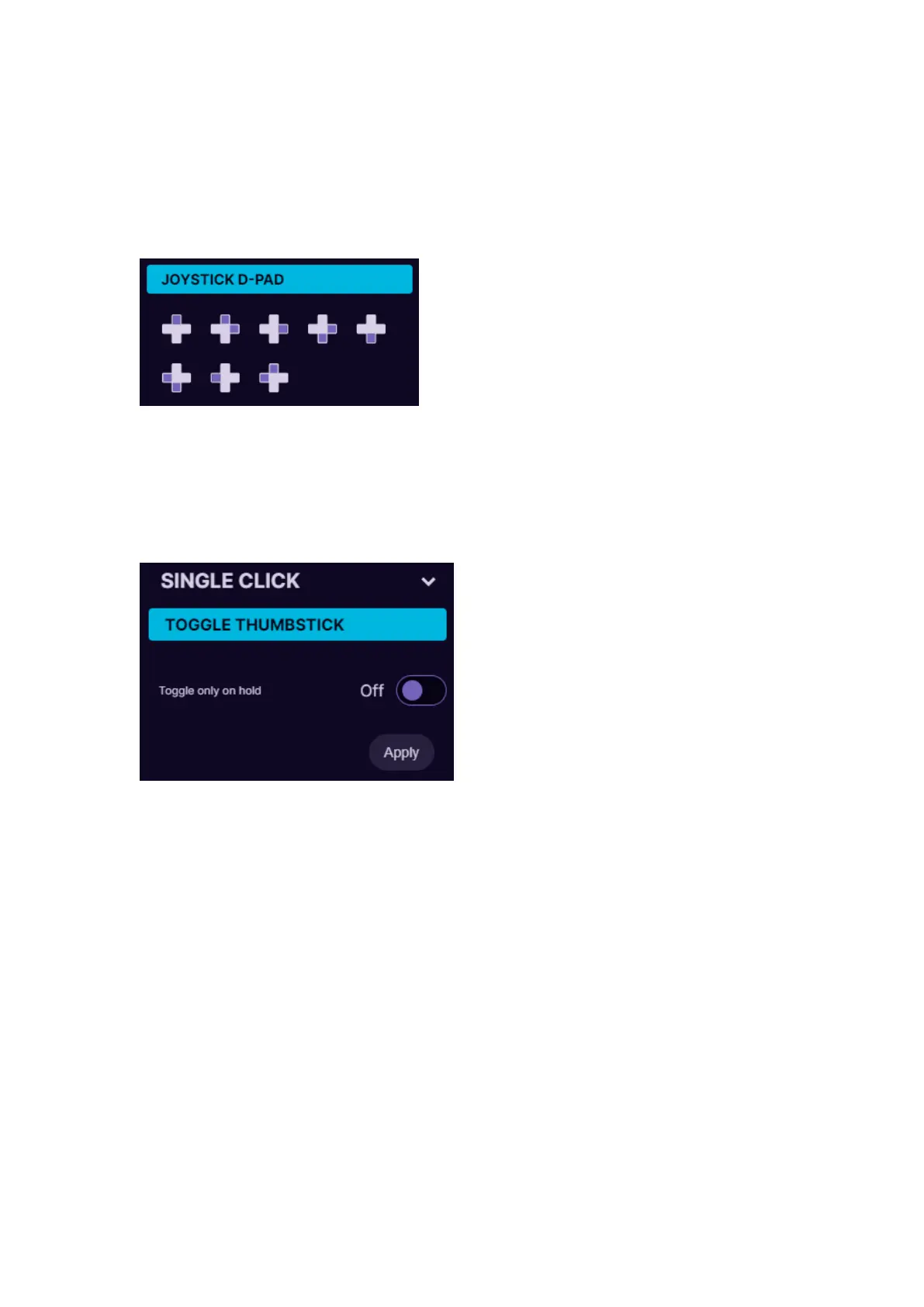
5.4.5. Joystick D-pad mode
In Joystick D-Pad mode the button can be setup as any function of the D-
Pad (Up, Right, Down Left, Left, and also diagonally, for example Right Up
or Left Down). This also will act as direct input of generic gaming
controllers.
5.4.6. Toggle analog stick mode
On the device there is only one thumbstick, but you can setup a button to
switch between two thumbstick settings.
If thumbstick is setup as an analog stick, then it will switch between Left
and Right analog stick of the controller.
If thumbstick is setup as a keyboard (WASD for example), then you can
setup also what keyboard buttons will be on the second thumbstick (for
example QWES).
After setting “Toggle analog stick” on the button, make sure to go in the
thumbstick settings, turn on the 2
nd
thumbstick and change the keybinds
on it as you wish:


 To Next Page