4. INSTALLING SOFTWARE
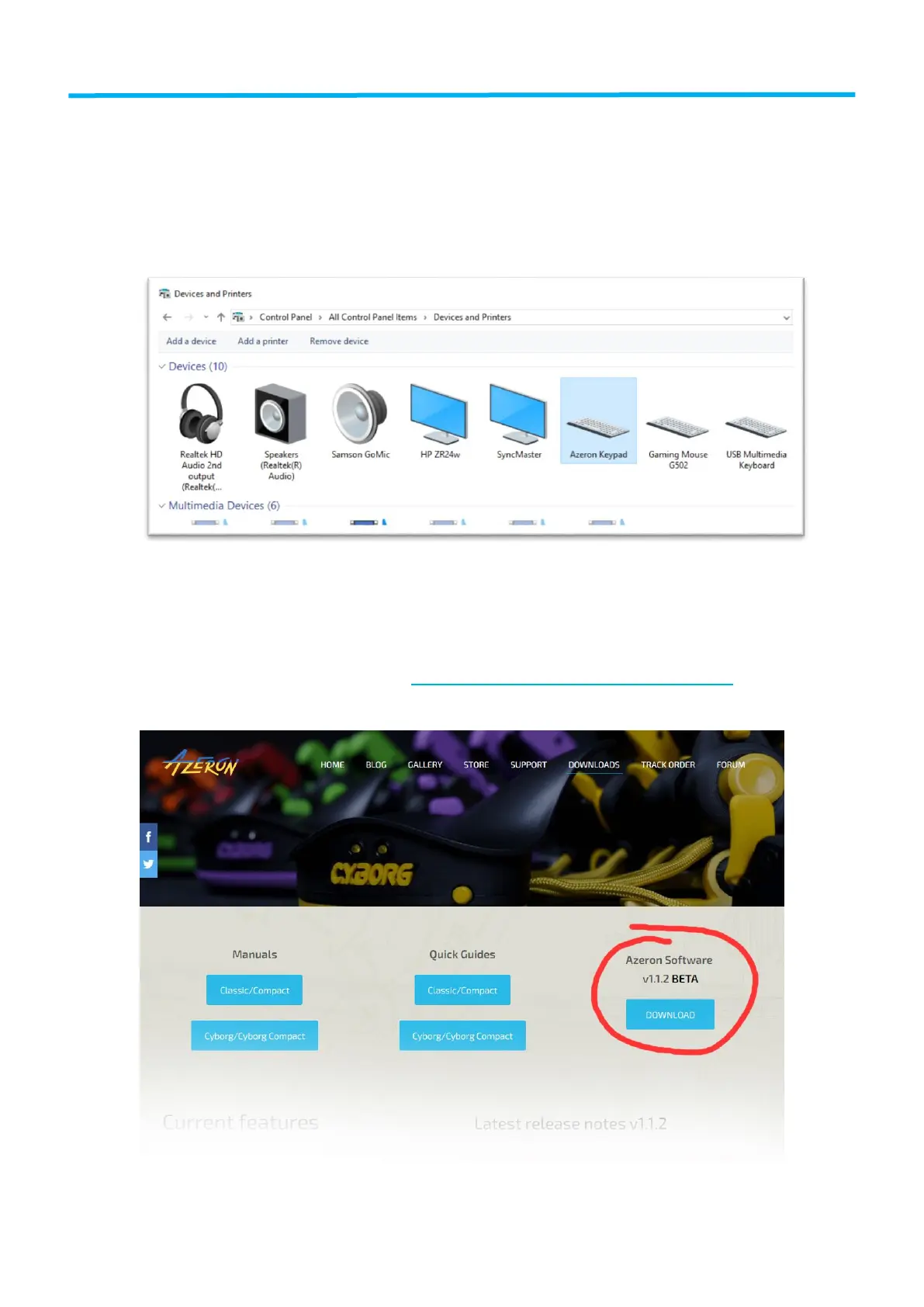
First you need to check if your computer recognizes Azeron device. Plug
in USB cable in PC. Go to Start – Control Panel – Devices and Printers, and
see if under Devices shows up Azeron Keypad.
If it doesn’t, and the LED lights are not turning on, make sure the USB
cable is connected to the keypad properly.
We are constantly working on new features and improvements, so make
sure to go to our website (https://www.azeron.eu/downloads/) and
download the latest Azeron software.


 To Next Page