KEYBOARD SETUP
KEYBOARD MODE SWITCH
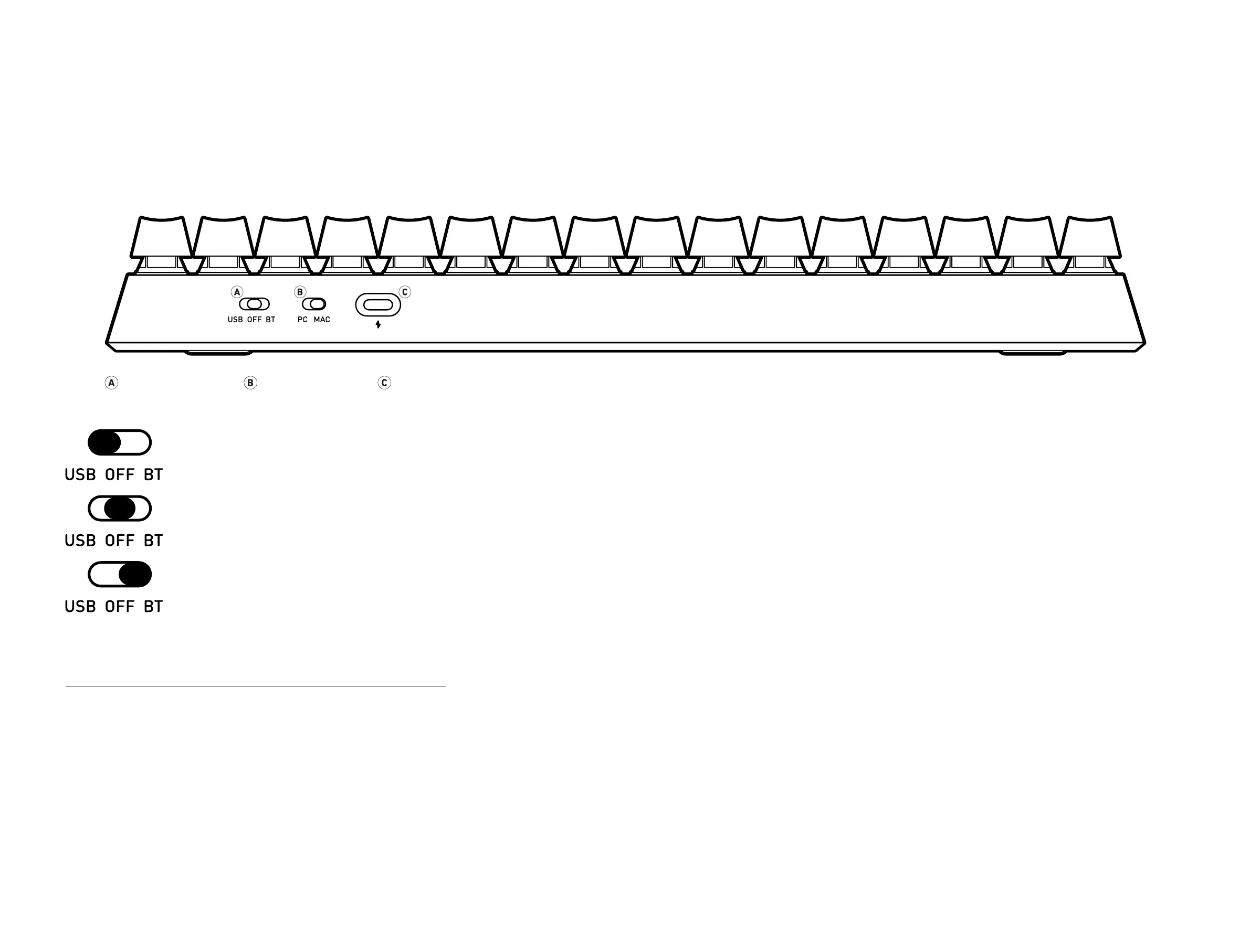
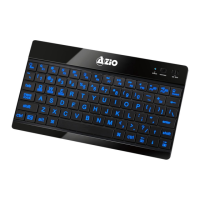
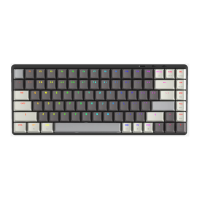
The AZIO CASCADE Keyboard is a versatile keyboard that supports Mac and PC and can be connected
wirelessly via Bluetooth or wired via USB. The interface mode switches are located on the back of
the keyboard. (Fg 01)
Interface Mode MAC/PC Mode Charging Port
OFF : In OFF mode, all circuitry is off. This is ideal when the keyboard will not
be used for an extended duration of time. Please note that the keyboard can
be charged while in OFF mode.
BT : In BT mode, you may connect the keyboard to your computer wirelessly.
While in Bluetooth mode, the backlight will automatically turn on. After 60
minutes of inactivity, the keyboard will hibernate, simply press any key to
wake up and reconnect automatically.
USB : In USB mode, please connect the included USB Type-C cable to
the keyboard and your computer. While in USB mode, the keyboard will
automatically begin charging and the backlight will turn on.
SETUP FOR PC / MAC MODE
By default, the keyboard will be in Mac mode. To change it to PC mode, please toggle the
switch to “PC” position. (Fg 02)


 To Next Page