User Manual
Page 22 of 43
Profile
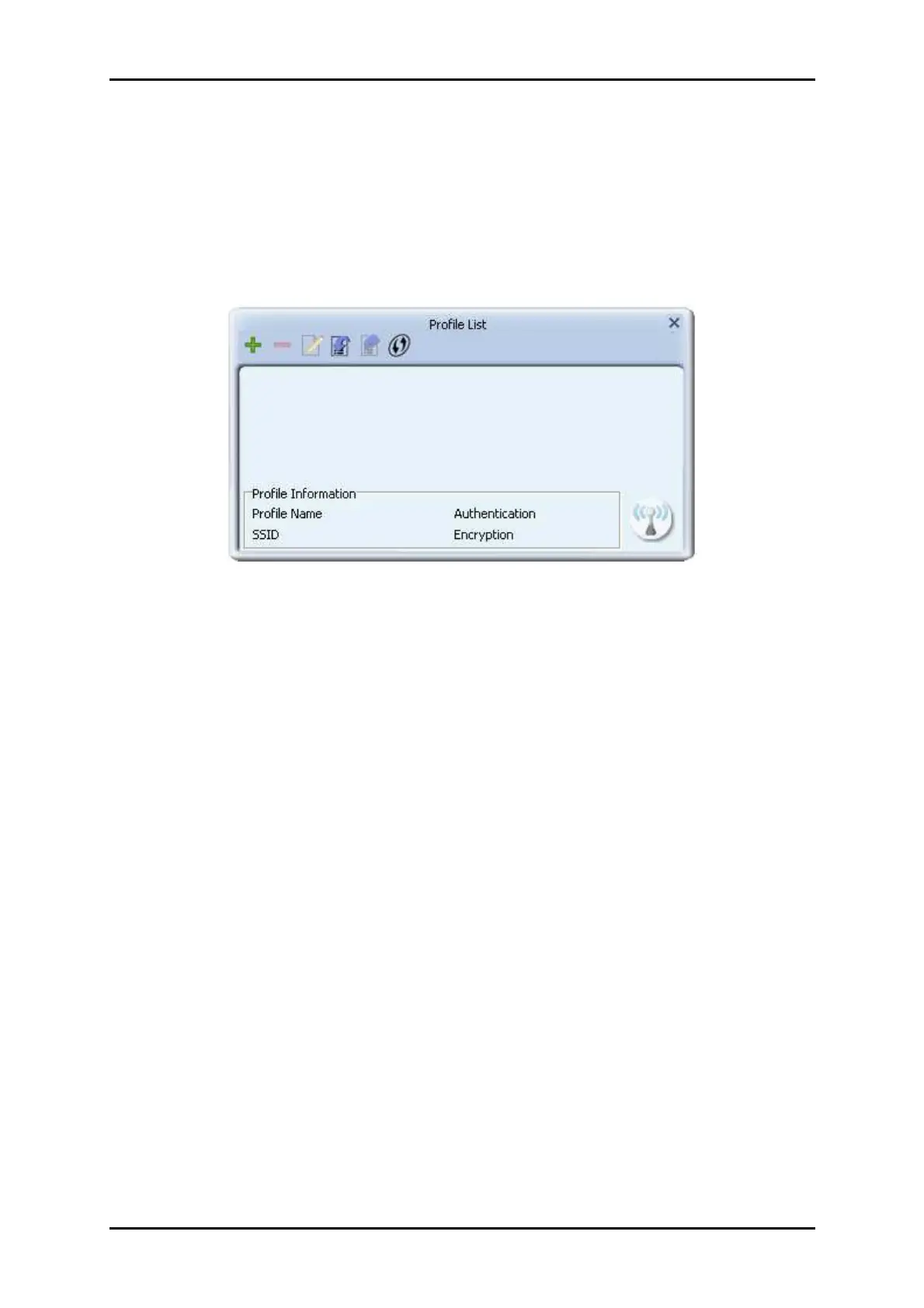
The Profile List keeps a record of your favorite wireless settings at home, office, and
other public hot-spots. You can save multiple profiles, and activate the correct one at
your preference. Picture below shows the basic profile section.
Definition of each field:
1. Profile Name: Name of profile, preset to PROF* (* indicate 1, 2, 3...).
2. SSID: The access point or Ad-hoc name.
3. Network Type: Indicates the networks type, including infrastructure and Ad-Hoc.
4. Authentication: Indicates the authentication mode used.
5. Encryption: Indicates the encryption Type used.
6. Use 802.1x: Shows if the 802.1x feature is used or not.
7. Cannel: Channel in use for Ad-Hoc mode.
8. Power Save Mode: Choose from CAM (Constantly Awake Mode) or Power Saving
Mode.
9. Tx Power: Transmitting power, the amount of power used by a radio transceiver
to send the signal out.
10. RTS Threshold: Users can adjust the RTS threshold number by sliding the bar or
keying in the value directly.


 To Next Page