User Manual
Page 7 of 43
Check Package Contents
Make sure that you have the following items. If any of the items is damaged or missing,
please contact your dealer immediately.
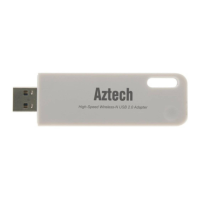
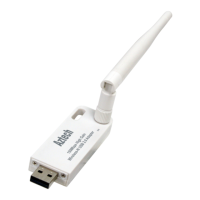
WL562(L)USB
Easy Start Guide
Resource CD – contains WL562(L) Utility installer, and User Manual
Remove or Disable Conflicts
To make sure the device installation moves on smoothly, you need to remove or disable
conflicts that may interfere the installation. Probable conflicts may include:
Internet sharing applications
Proxy software
Security software
Internet properties
Temporary Internet files
Internet Sharing, Proxy, and Security Applications
Internet sharing, proxy software, and firewall applications may interfere with the
installation. These should be removed or disabled before start the installation.
If you have any of the following or similar applications installed on your computer,
remove or disable them according to the manufacturer’s instructions.
Internet Sharing Applications
Internet Sharing ApplicationsInternet Sharing Applications
Internet Sharing Applications
Proxy Software
Proxy SoftwareProxy Software
Proxy Software
Security Software
Security SoftwareSecurity Software
Security Software
Microsoft Internet Sharing WinGate Symantec
WinProxy Zone Alarm


 To Next Page