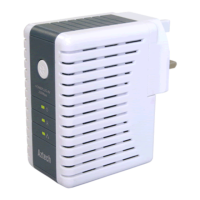
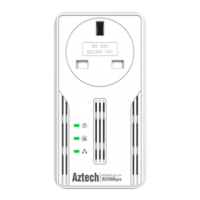
User Manual
Page 9 of 43
Installation
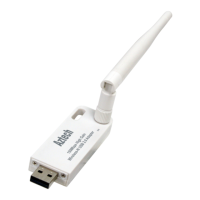
Here are the instructions on how to install the driver software for Windows 2000, XP,
Vista and Windows 7.
Note:
Note: Note:
Note: Do not connect the device until the Utility is completely installed.
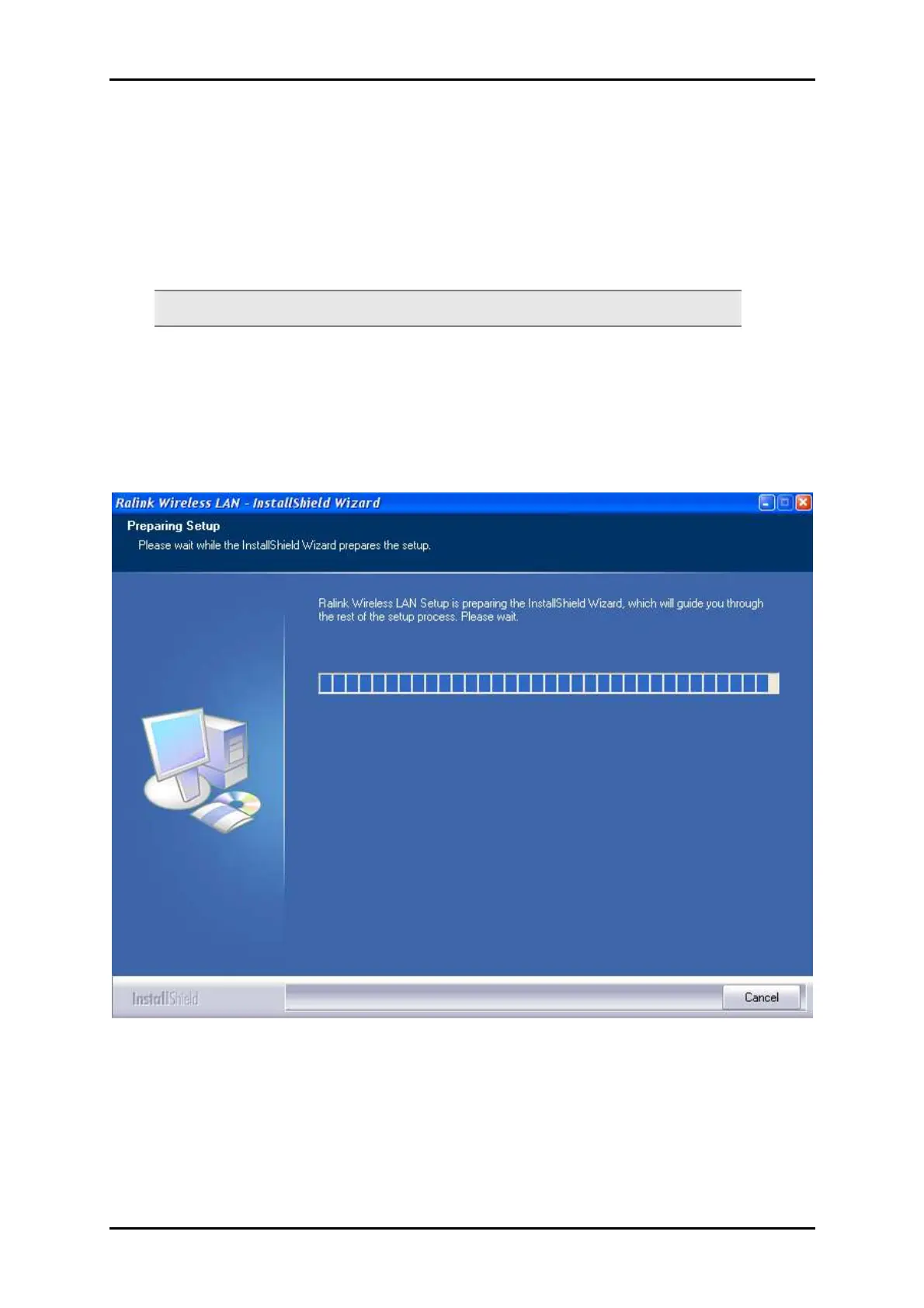
To install the driver software:
1. Insert the Resource CD to the CD-ROM. This opens the WL562(L)USB Utility Setup.
If the Utility does not open automatically, click the Start button, and then click
Run. Enter d:\setup.exe, where d is the CD-ROM drive.
2. Wizard will now move to next step for license agreement, check the option ‘I
accept the terms of the license agreement’


 To Next Page