User Manual
Page 29 of 43
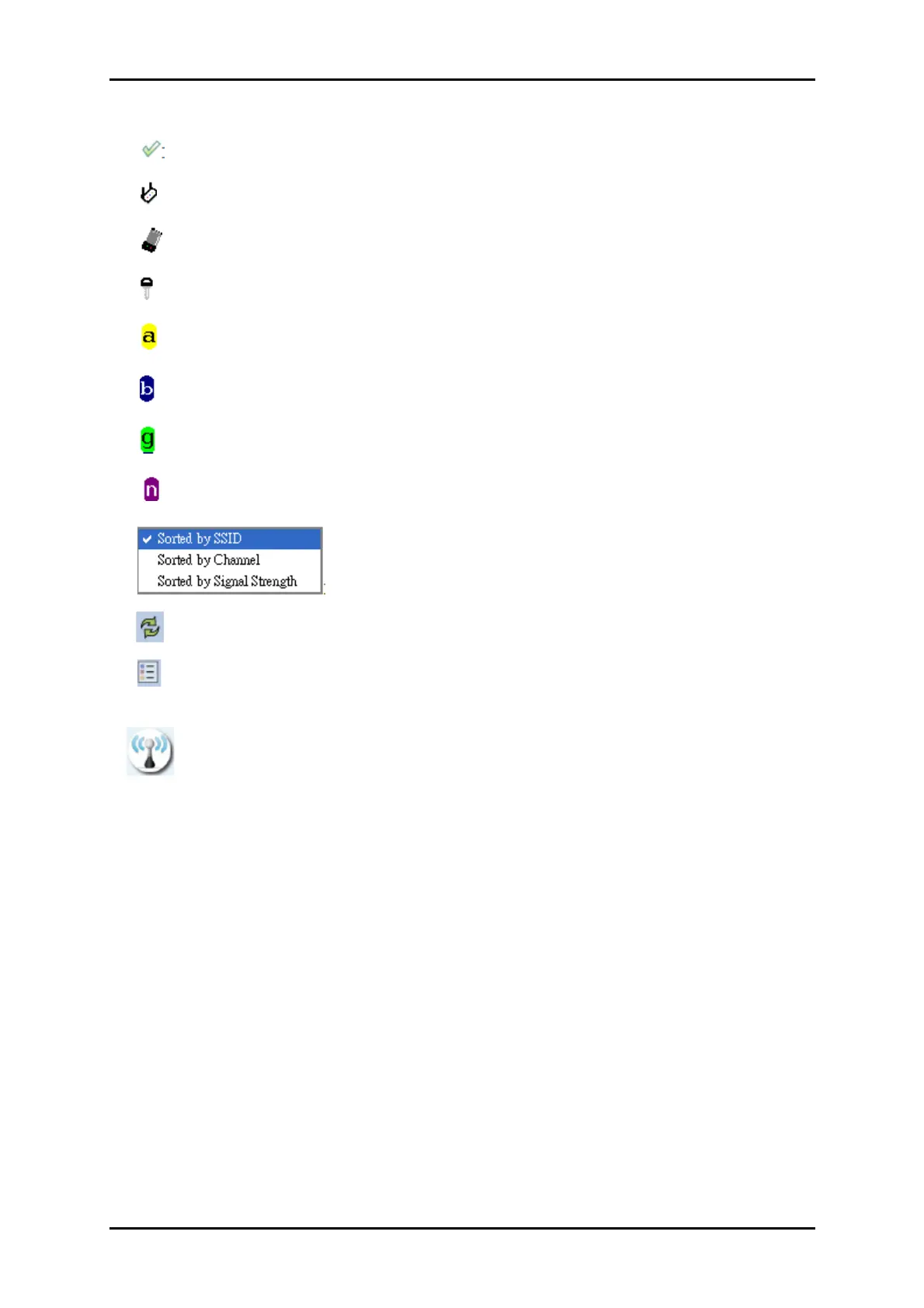
: Indicates that the connection is successful.
: Indicates the network type is in infrastructure mode.
: Indicates the network type is in Ad-hoc mode.
: Indicates that the wireless network is security-enabled.
: Indicates 802.11a wireless mode.
: Indicates 802.11b wireless mode.
: Indicates 802.11g wireless mode.
: Indicates 802.11n wireless mode.
: Indicates that the AP list is sorted by SSID, Channel or Signal.
: Button to connect to the selected network.
: Adds the selected AP to the Profile setting. It will bring up a profile page and
save the user's setting to a new profile.
: Connect button
Connected network
1. When utility first runs, it will select the best AP to connect to automatically.
2. If the user wants to use another AP, they can click "Connect" for the intended AP
to make a connection.
3. If the intended network uses encryption other than "Not Use," RaUI will bring up
the security page and let the user input the appropriate information to make the
connection. Please refer to the example on how to fill in the security information.
When you double click an AP, you can see detailed information about that AP.


 To Next Page