Design and Construction
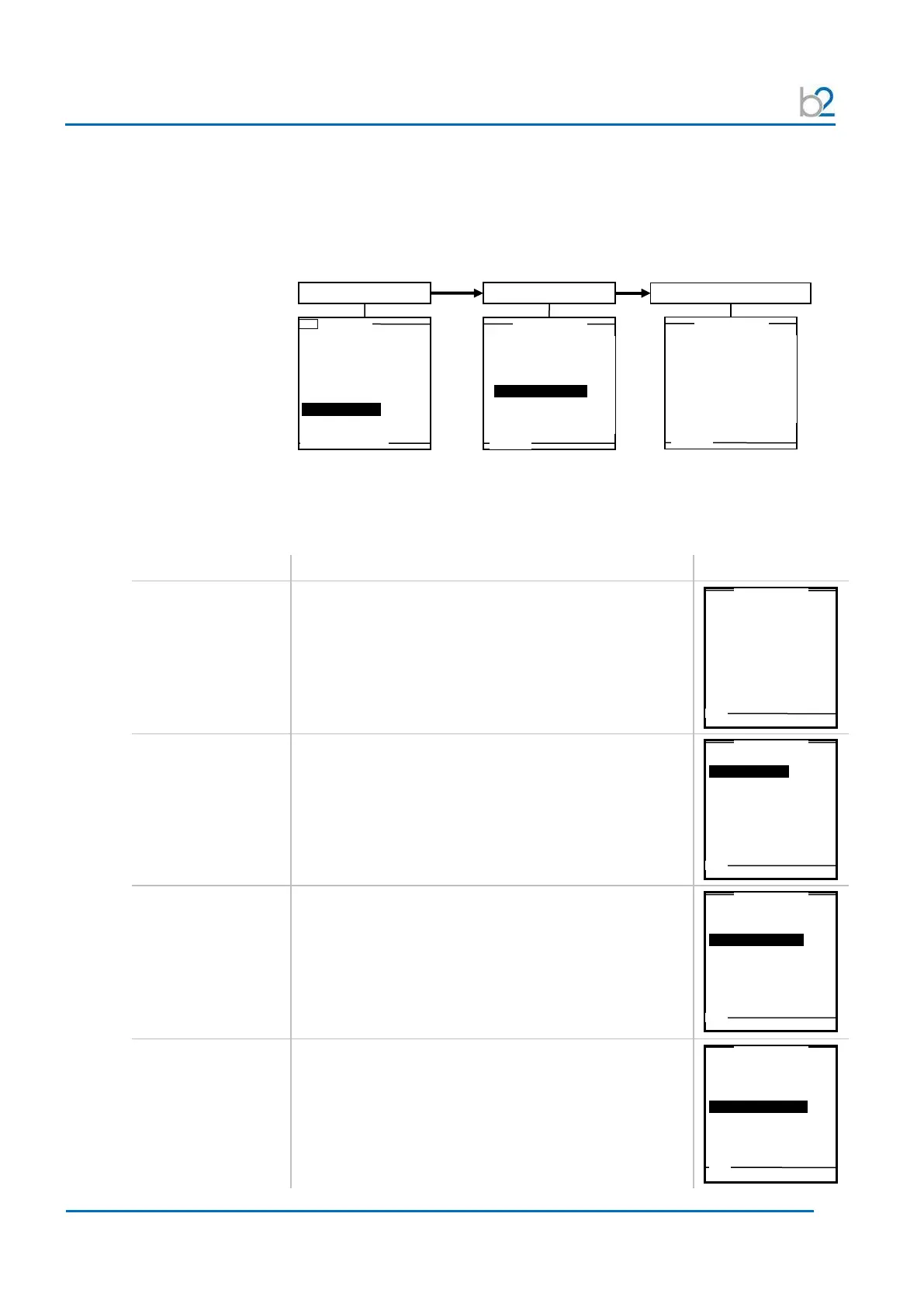
4.3 Instrument Setup
The HVA instrument settings should be established prior to first utilization and
can be modified at any time thereafter. “Instrument Settings” is found in the
“Reports & Setup” menu.
Setting Options Example
Set Date and Time Select “Set Date and Time” from “Instrument Settings”
menu to arrive at appropriate screen.
“Clock Format” selected here appears in reports and
on the Main Menu display hereafter:
• 24 h
• am/pm
Reporting “Reporting” type selected here is generated when
report mode is active in testing hereafter.
• Extended
• Basic
Startup “Startup” default screen selected here appears as 1
st
screen when HVA is turned ON hereafter.
• Main Menu
• Manual Mode
Distance Unit “Distance Unit” selected here sets the unit for entering
cable length when creating test parameters and
reporting information hereafter.
• Feet
• Meter
Use Last Test Seq.?
3.0kV Maint. C. HYBR (T)
Start a New Test
Setup
View Reports (50)
Store Rep.
to USB
Set Date and Time
Reporting: Basic
Set Date and Time
Reporting: Basic
Set Date and Time
Reporting: Basic
Set Date and Time
Reporting: Basic



 To Next Page