Test Procedure
5.4 Interrupting a Test
Once a test has started, it can be interrupted at any time. It is recommended to
select the appropriate method corresponding to the situation.
Routine STOP
(No emergency)
When a test is in progress, “STOP” on the display screen
is highlighted.
To interrupt the test, push in/click the navigation knob .
• HVA software deactivates HV
• Test stops
Alternative
When a test is in progress, press the HV switch to
deactivate high voltage.
• HVA hardware deactivates HV
• Test stops
Emergency stop
In an emergency situation, press the emergency OFF
to shut down the system.
• HVA hardware deactivates HV
• Test stops
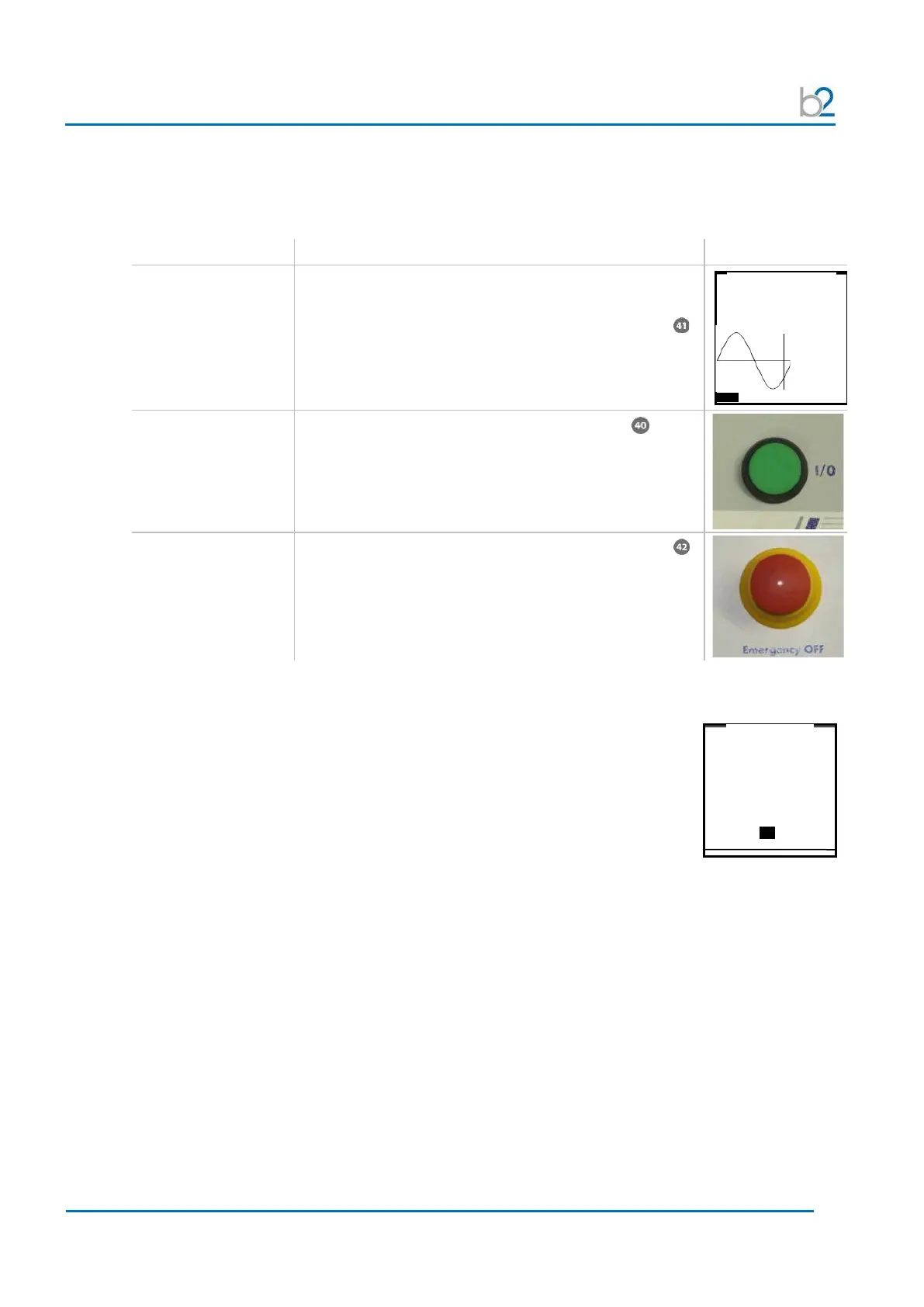
After test interruption, a message is displayed indicating that the test has been
terminated by the user:
0.9µA
0.4nF
13GΩ
interrupted by the user at
step 1 after 58s
Sine 0.1 Hz
Test Voltage: 1.0 kVrms
OK



 To Next Page