Test Procedure
(configure automatic sequence)
AS13
(vacuum bottle only)
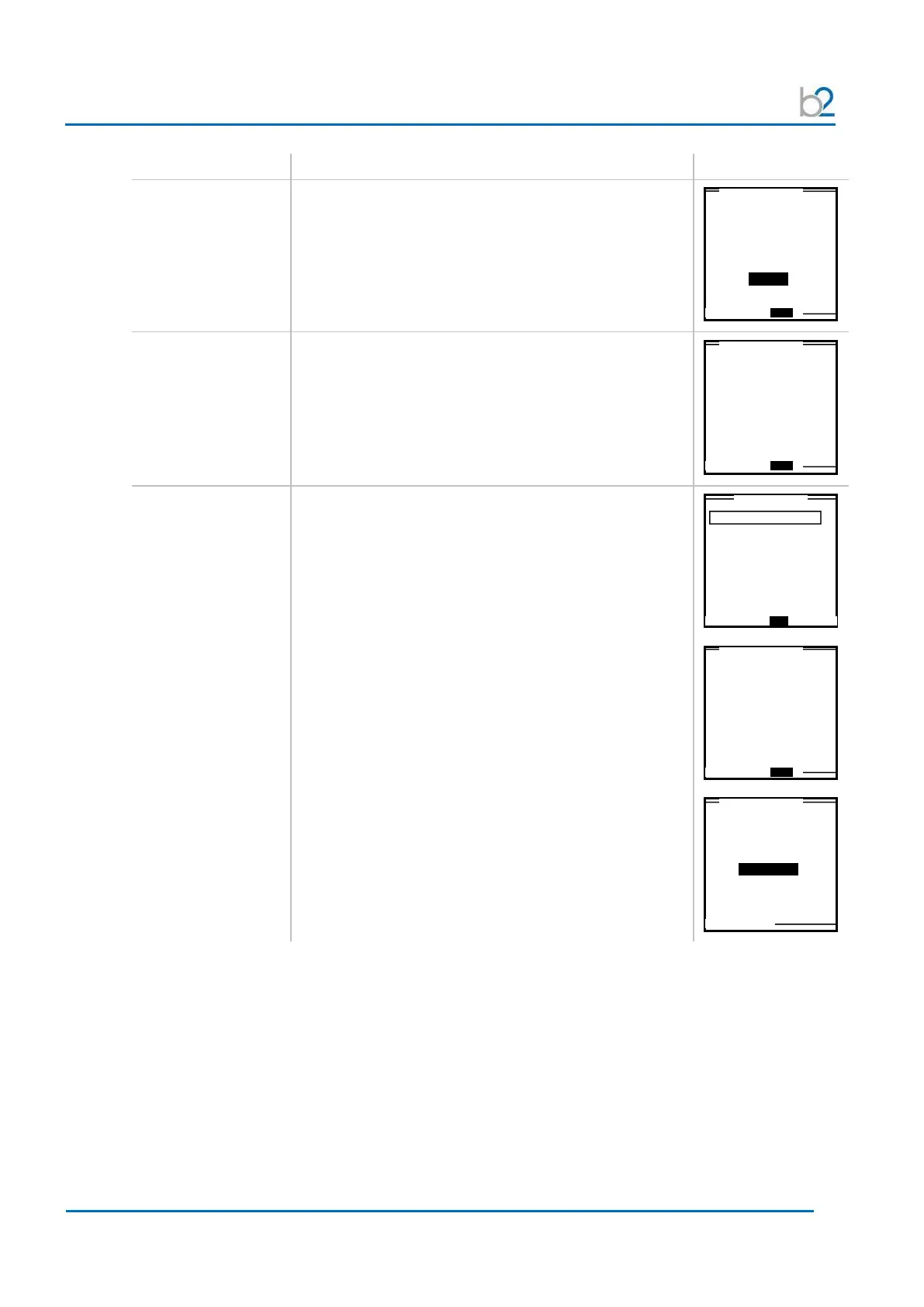
Rise rate
Set the test “Rise” rate:
• Min. = 0.5 kV/s
• Max. = 5.0 kV/s
AS14:
Save sequence
Test sequence setup is complete.
• To save the program, select “SAVE”.
The program will be stored under a name referring to
its test parameters. (To modify name, see AS15.)
The sequence is found in the “Edit Auto Test Seq.”
menu display. See Step AS1.
AS15:
(optional)
Edit sequence title
To modify the sequence title from program already
saved in HVA memory, highlight the corresponding
sequence from the “Edit Auto Test Seq.” menu display.
• select the “EDIT” option on the bottom of the screen
• select the “TITLE” option on the bottom of
the screen
For naming directions, see 6 – Reporting Procedure –
Report Naming Instructions
60.0kV Vacuum Bottle
Maintenance
Rise Rate?
0.5kV/ s
1.0 kV Cable XPLE
Maintenance/Sine0.1Hz
Finished
Save or Cancel
Maintenance Test Seq.
1 Step / Test Setup
Edit Title
1.0kV Cable



 To Next Page