6
Report naming instructions
To enter the report information, some steps (i.e. steps R4-R13) require the
operator to enter a user-selected name. If no name is entered, the corresponding
category appears blank in the report.
Possible entries include:
• A B C D E F G H I J K L M N O P Q R S T U V W X Y Z
• . , ; : “ # - + /
• 0 1 2 3 4 5 6 7 8 9
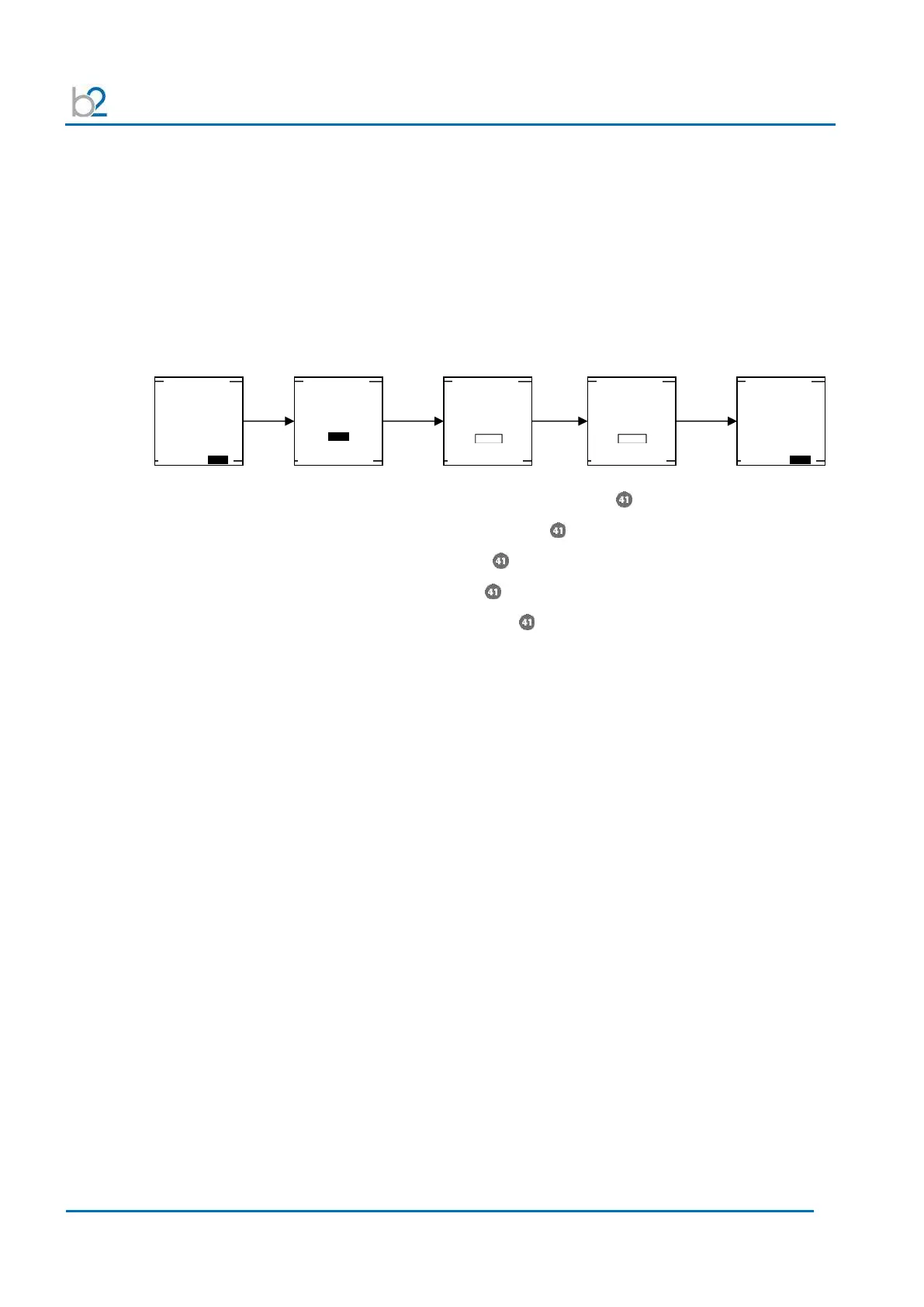
• To activate naming: Rotate navigation knob , then push in/click.
• To select characters: Rotate knob clockwise
• To DELETE: Rotate knob counter clockwise until < symbol appears
• To SPACE: Rotate knob counter clockwise until _ symbol appears
• To confirm: double click knob
Entering report information
T
he HVA guides the user through a series of questions dependent on the report
type already set in “Instrument Settings.” These steps are independent of the test
mode, since the user has not yet selected “Manual” or “Automatic.” Note that,
although some of the following steps (i.e. R1-R3) require entry of identical
information as in “Configuring Auto Test. Sequence” (i.e. steps AS2, AS3 and
AS4), these steps are not identical!
Report Title
Circuit / Line ID
Report Title
Circuit / Line ID
Report Title
Circuit / Line ID
Report Title
Circuit / Line ID
Report Title
Circuit / Line ID



 To Next Page