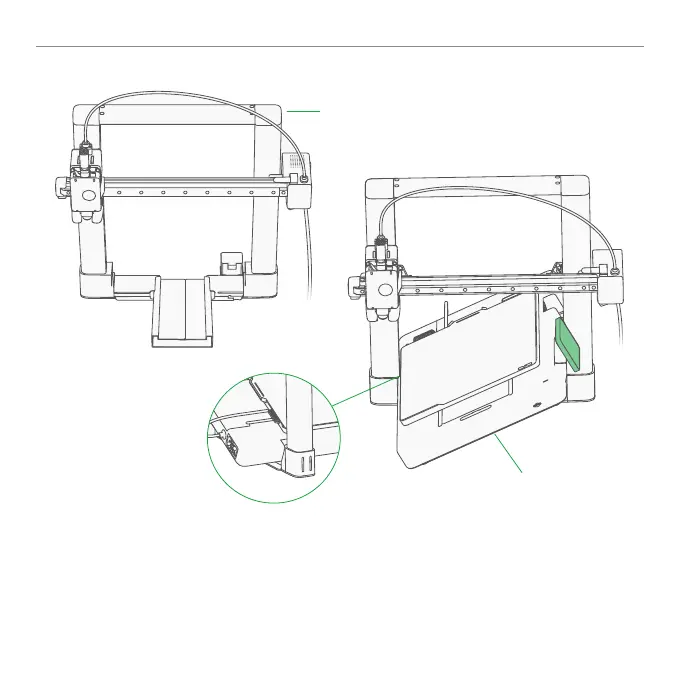
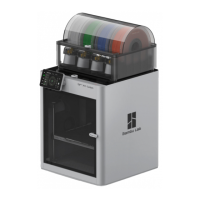
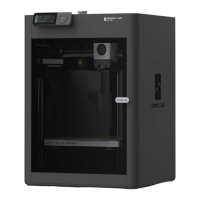
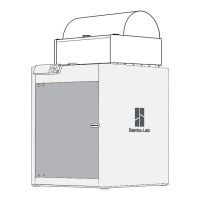
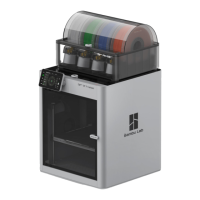
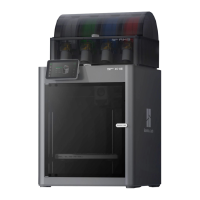
Mate Base Housing & Printer Frame
② Tilt the Base Housing about 45 degree to pass through the Printer Frame.
(Use the screen as indicator for orientation)
③ Align the slot with the Printer Frame as shown in the diagram.
④ Slowly lower the Base Housing until it is fully ush with the Printer Frame on the table.
① Put the Printer Frame on the table as shown above.
Printer Frame
Base Housing
①
②
③



 To Next Page