QR Code
DO NOT remove the protective foam from beneath the hot bed until after the initial calibration is complete.
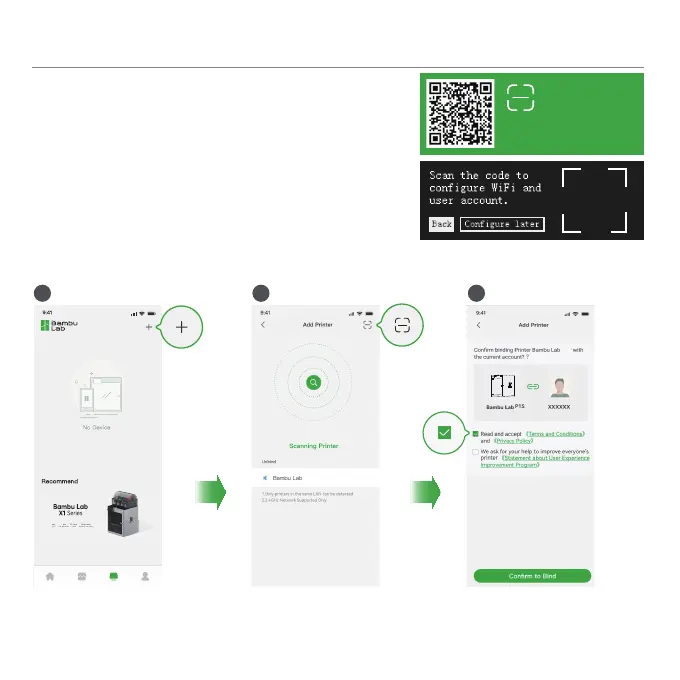
3. Use Bambu Handy to scan the QR code on the screen, and bind your printer with your Bambu Lab
account.
4. Follow the instructions on the screen to complete the initial calibration.
It is normal to have vibration and noise during the calibration process.
2. Connect the printer to power. Follow the instructions on
the screen until getting to the page shown on the right side.
1. Download the Bambu Handy App. Register and log in
to your Bambu Lab account.
Printer Binding
Bambu Handy
Download
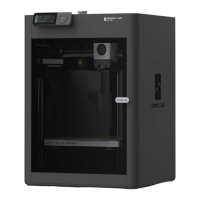
P1S
P1S
1 2 3


 To Next Page